AI Clothing Extractor

Extract clothing from a photo.

Upload a photo with one clear main subject. Extract only their clothing and ignore bystanders, photographers and background people. Save the result in one transparent PNG without splitting it into separate files.

Extract clothing

JPG, PNG or WebP · Up to 10 MB

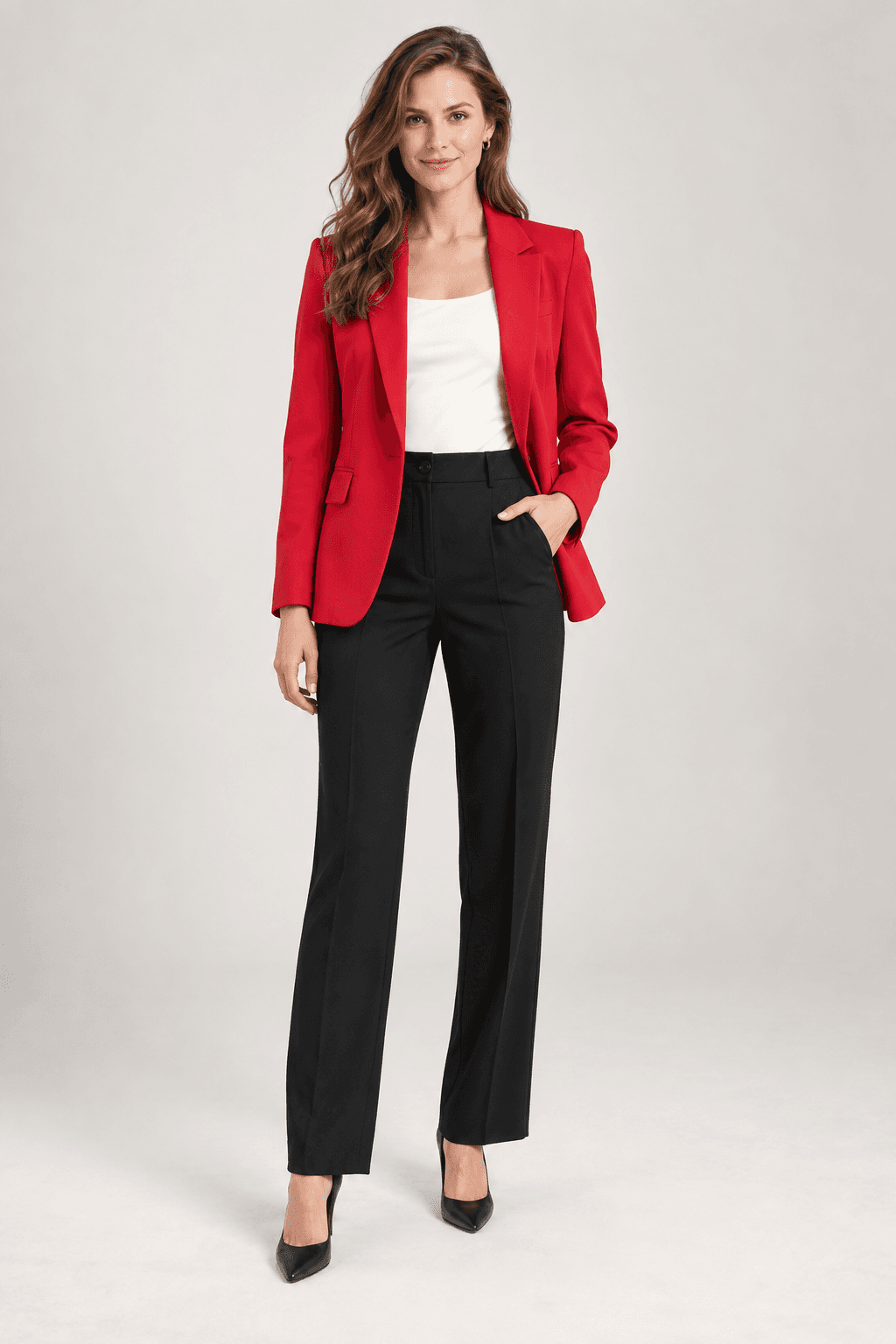
AI Clothing Extractor: source photo exampleBefore
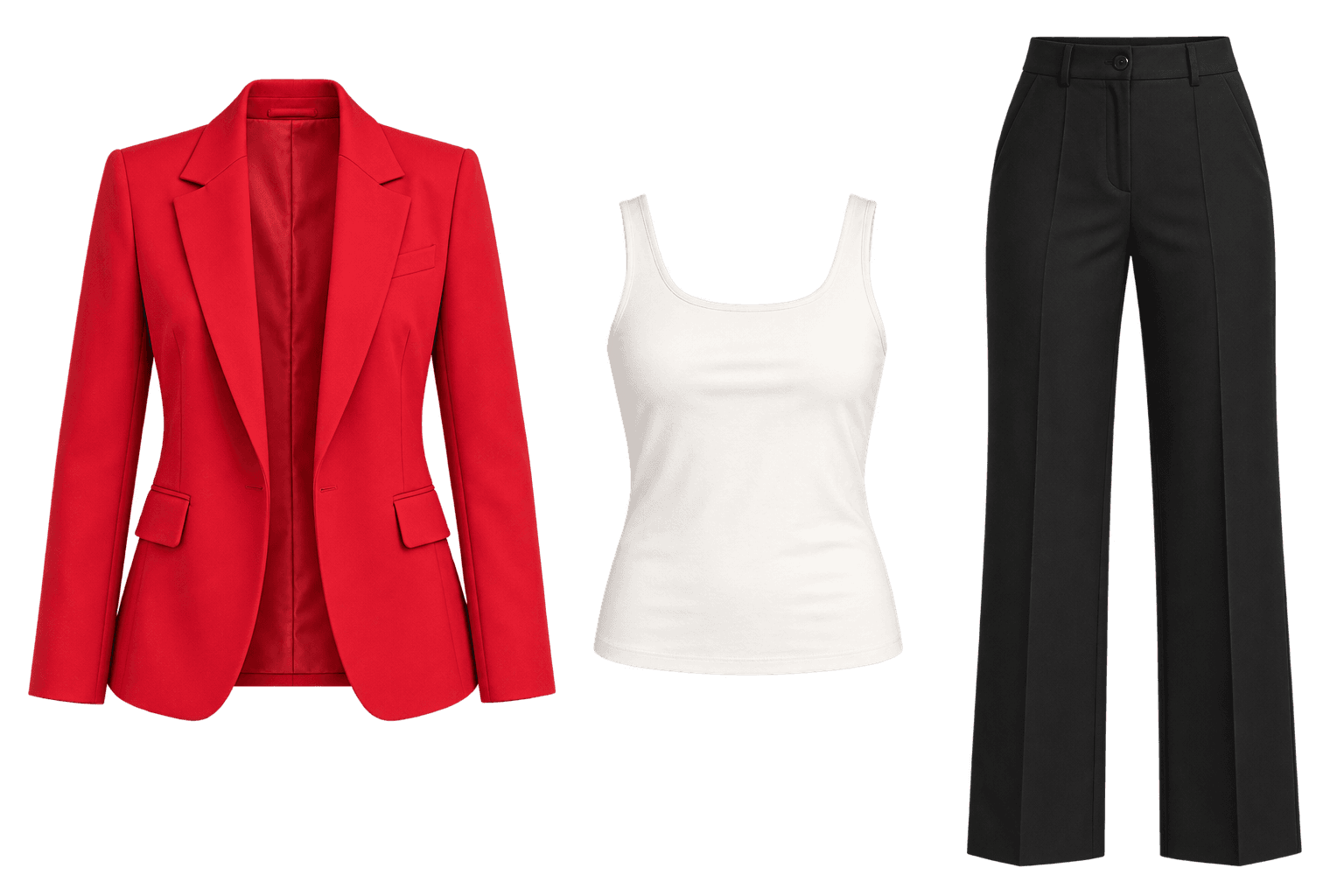
AI Clothing Extractor: illustrative edited photoAfter · Illustration
The source photo is shown on the left. On the right, the main subject’s extracted clothing appears together in one transparent-background image.
Build a garment reference libraryPrepare clothing for AI outfit changesCreate clean product cutouts

What to expect

How this tool works in practice

The extractor automatically selects one main subject and may choose incorrectly when several people are equally prominent. It cannot reliably recover clothing hidden by hands, hair, other garments or heavy shadows, and transparent output should be checked for missing edges.

One clothing image, without the wearer

Clothing extraction is different from changing an outfit or removing a photo background. It creates a clothing-only presentation from the main subject, excluding the person and surrounding scene. The extracted outfit is saved together in one transparent PNG, useful as a visual reference for styling or a clothing mood board.

Make the intended person unambiguous

In an event photo, the prominent foreground person is the intended subject; bystanders and photographers should be ignored. If several people are equally prominent, crop around the person you want before uploading. Hidden sections may be reconstructed, so inspect the neckline, seams and hem instead of treating the result as an exact product photograph.

A simple workflow

How to use AI Clothing Extractor

  1. 01

    Upload a clear photo with the person whose clothing you want to extract as the main subject.

  2. 02

    Generate the extraction and review the main subject’s clothing together in one transparent image.

  3. 03

    Download the single transparent PNG to save or use as a clothing reference.

Good to know

What does the result contain?

One transparent PNG containing only the main subject’s clothing. Other people and their clothing are excluded, and items are not split into separate images.

Can I use the result for AI Outfit Changer?

Yes. Download the transparent PNG containing the extracted clothing, then upload it as the clothing reference in AI Outfit Changer.

Do I need an account to use this tool?

You can browse this page without signing in. Access and credit requirements depend on the current tool settings. The editor will prompt you to sign in when required. Existing account holders can use the sign-in page; new accounts are currently available by invitation or administrator approval.