
AI Outfit Changer
Change clothes in a photo.
Use AI image to image editing to try an outfit from another person’s photo directly—no clothing extraction needed. Upload a clothing-only image or choose a suggested style for a virtual try-on preview with your original subject and pose in focus.
Change outfitJPG, PNG or WebP · Up to 10 MB
Your photo. Your outfit. A new look.
Real result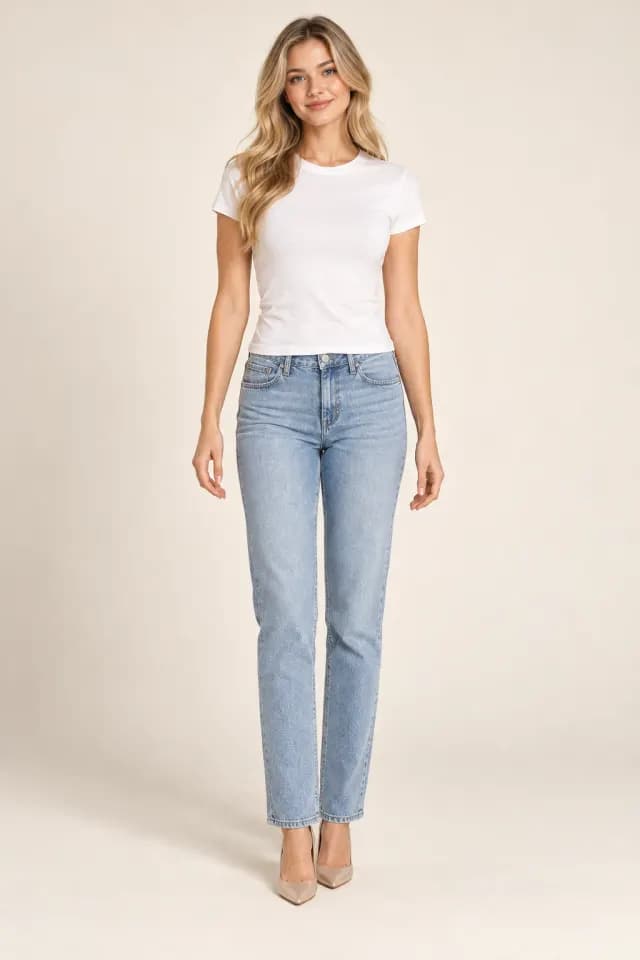
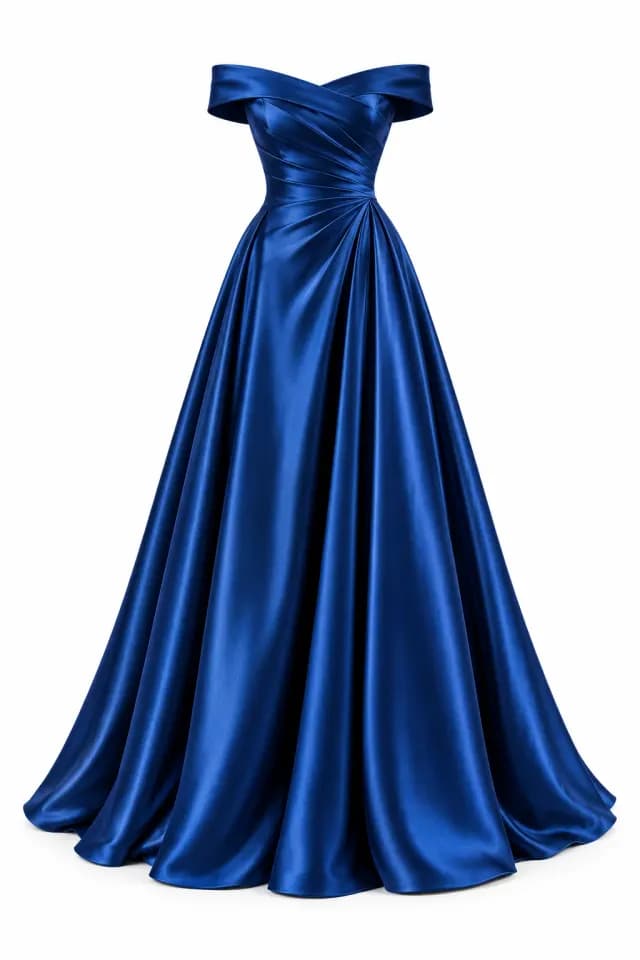 Your outfit
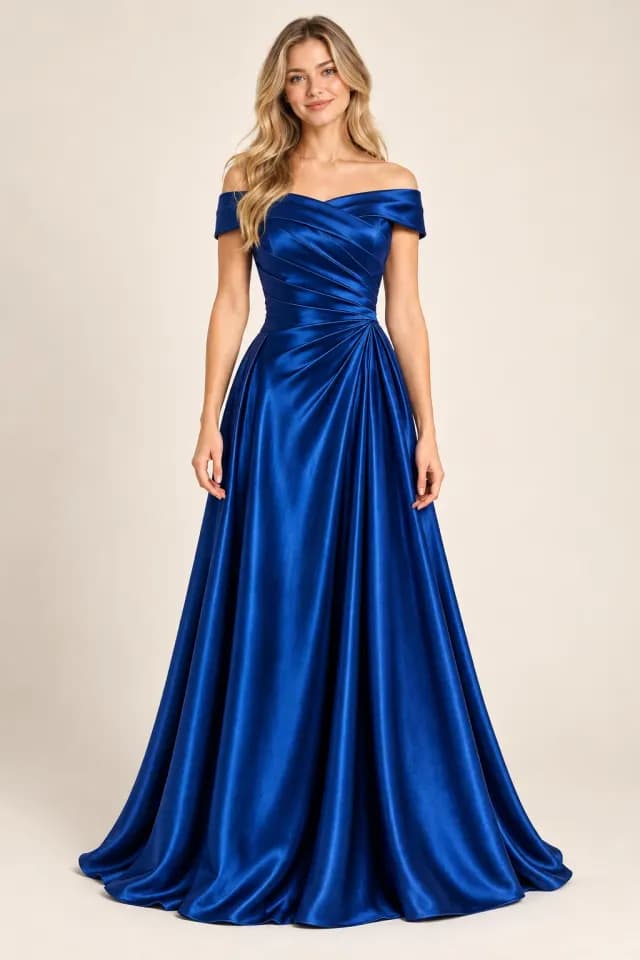
The outfit edit
Different references. A new look.
Start with an outfit worn by another person or a clothing-only image. Compare actual AI-generated outfit changes for women and men.
Person-to-person
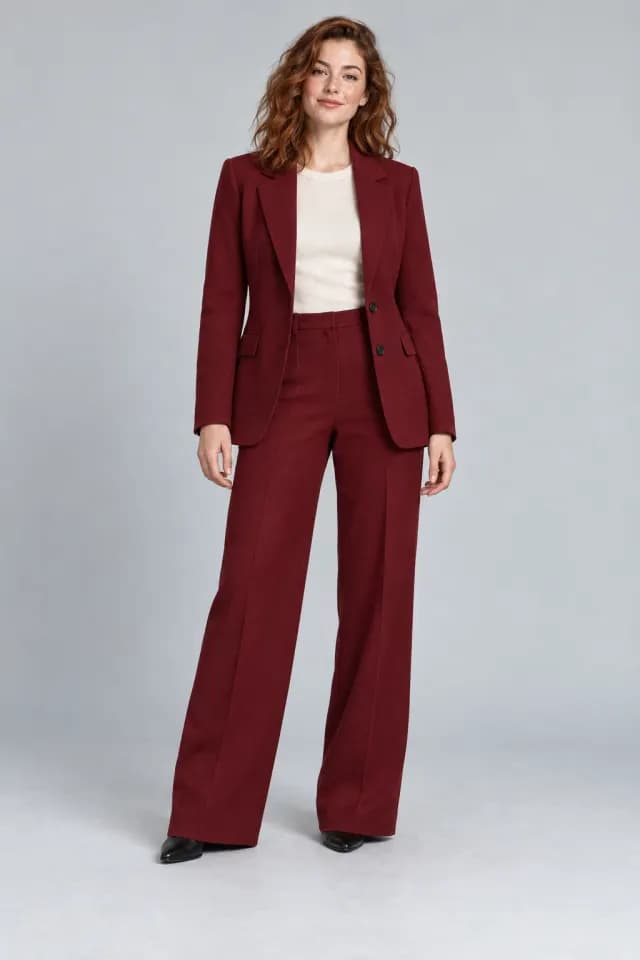
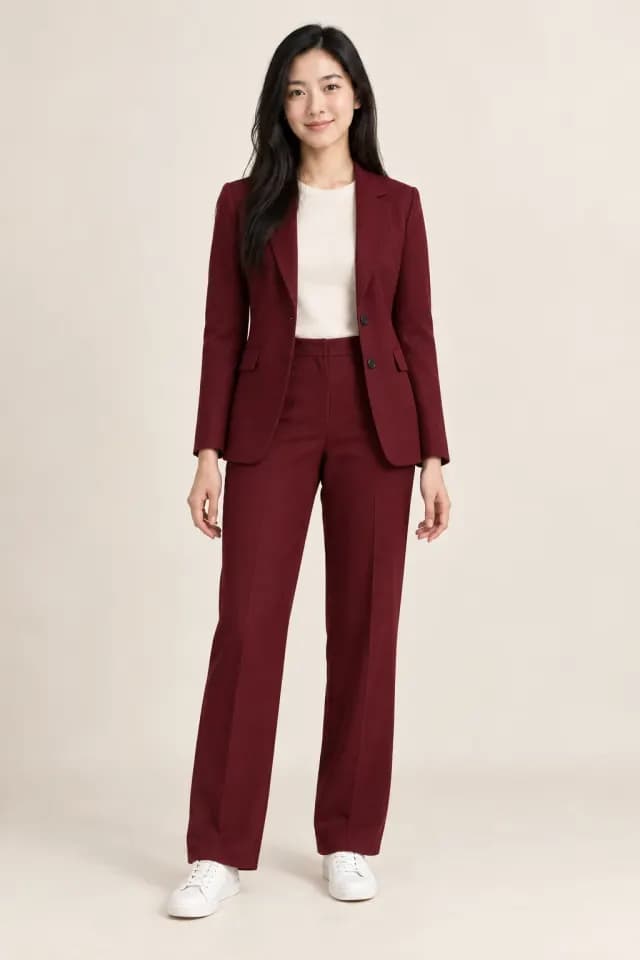
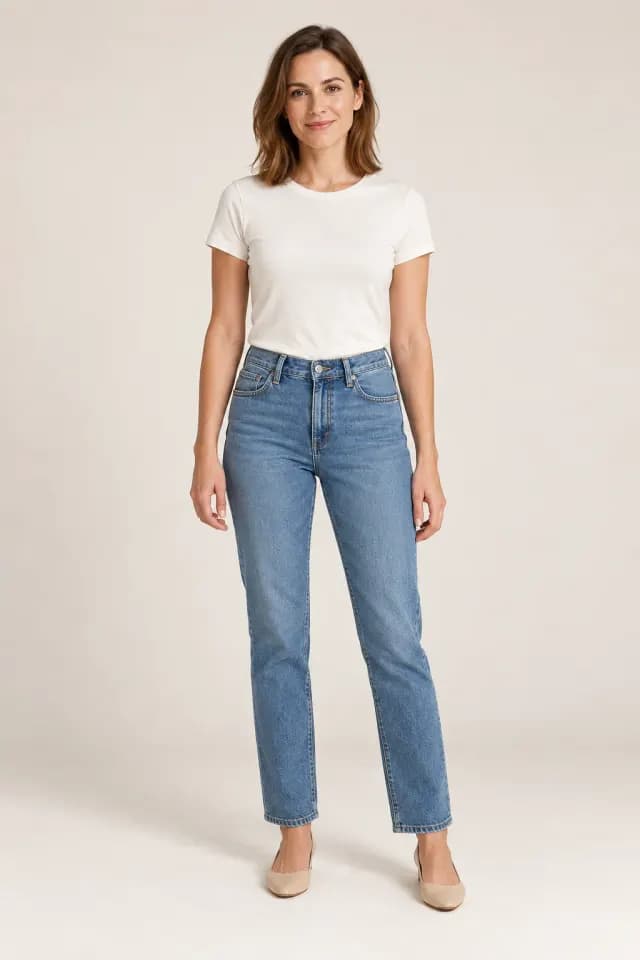
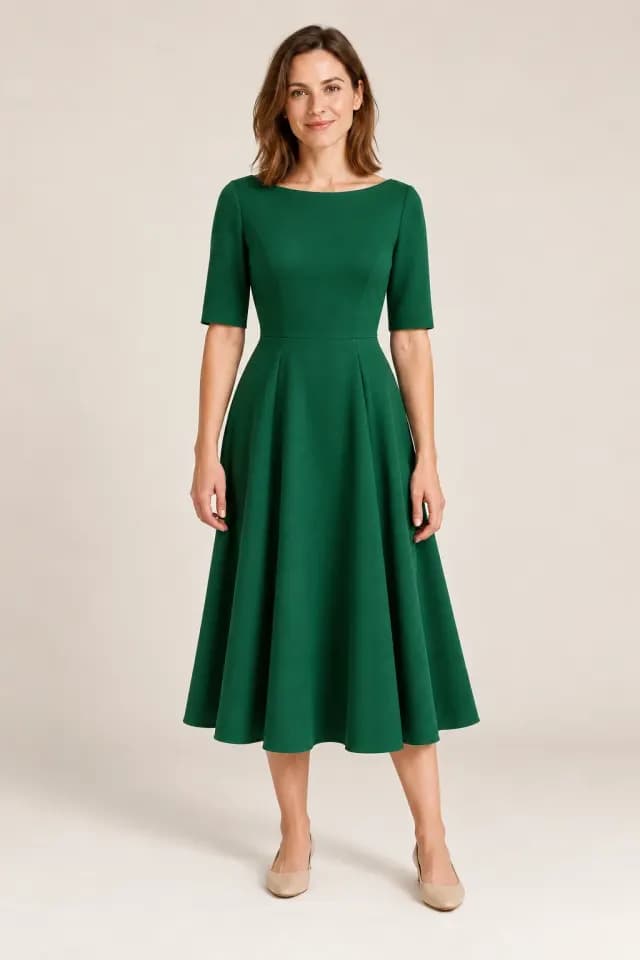
See her outfit. Make it yours.
Use another person’s photo as the clothing reference—no garment cutout needed.
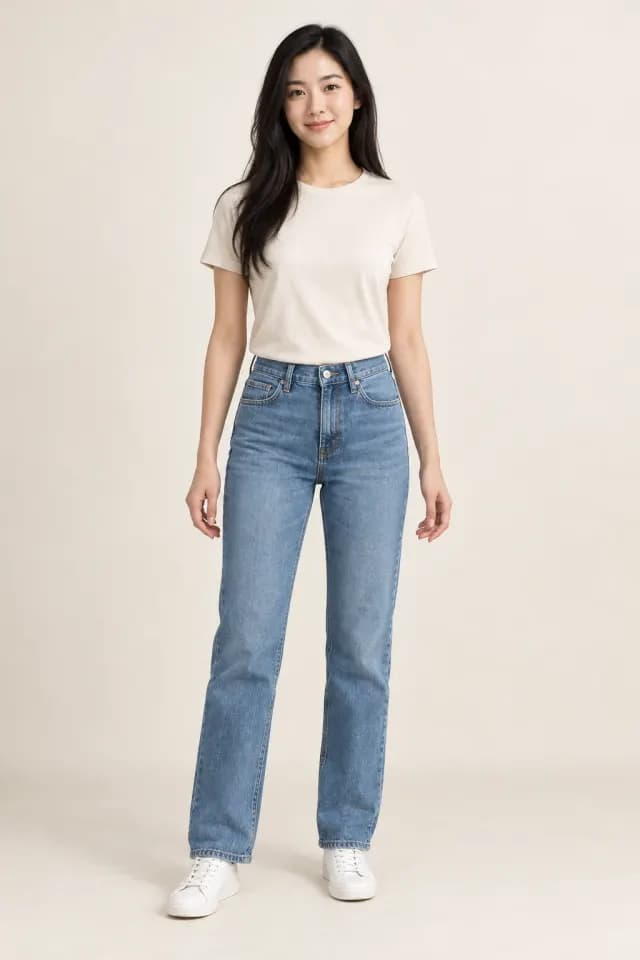
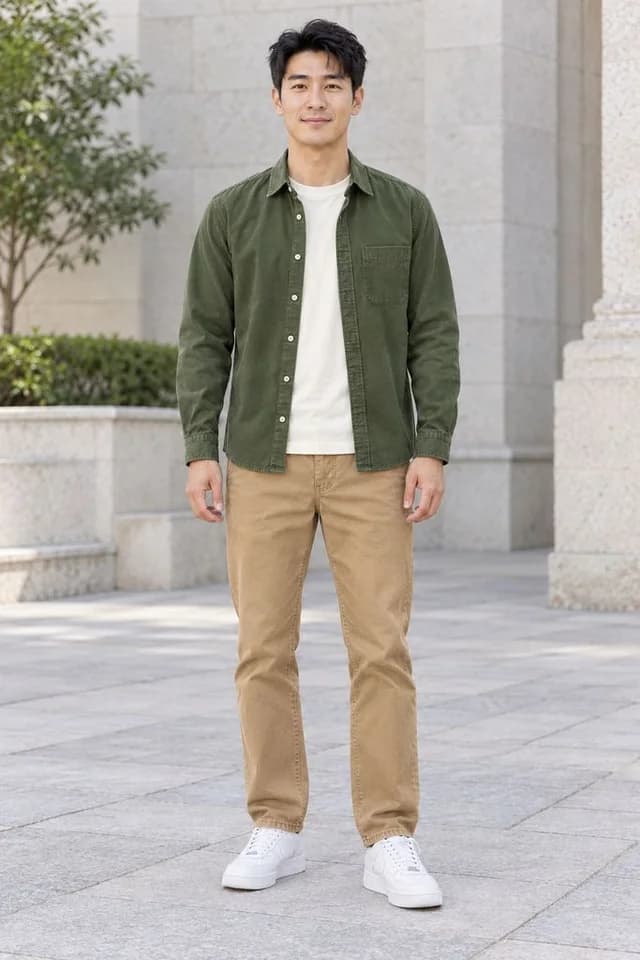
Men’s everyday outfits
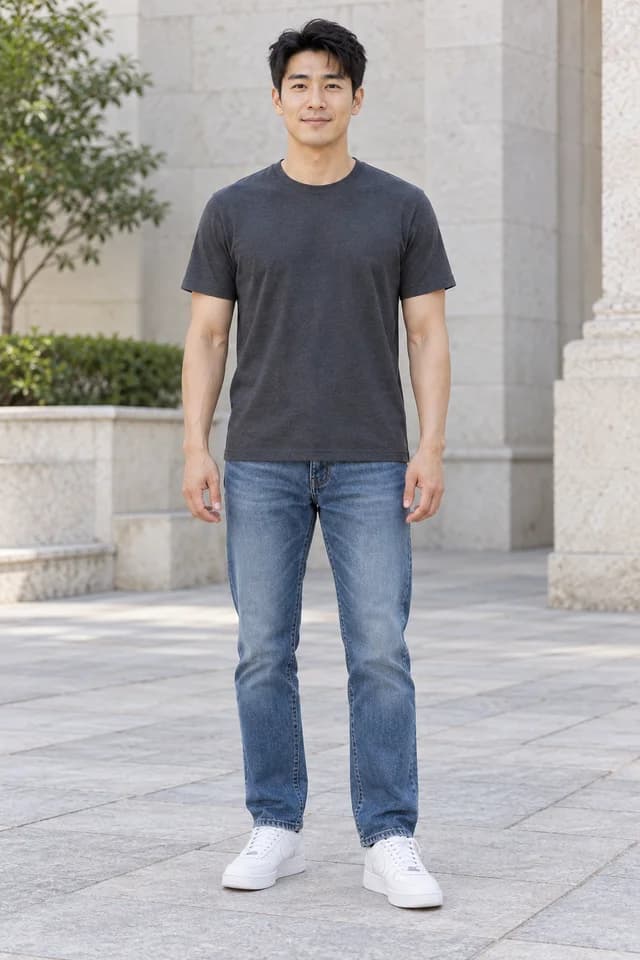
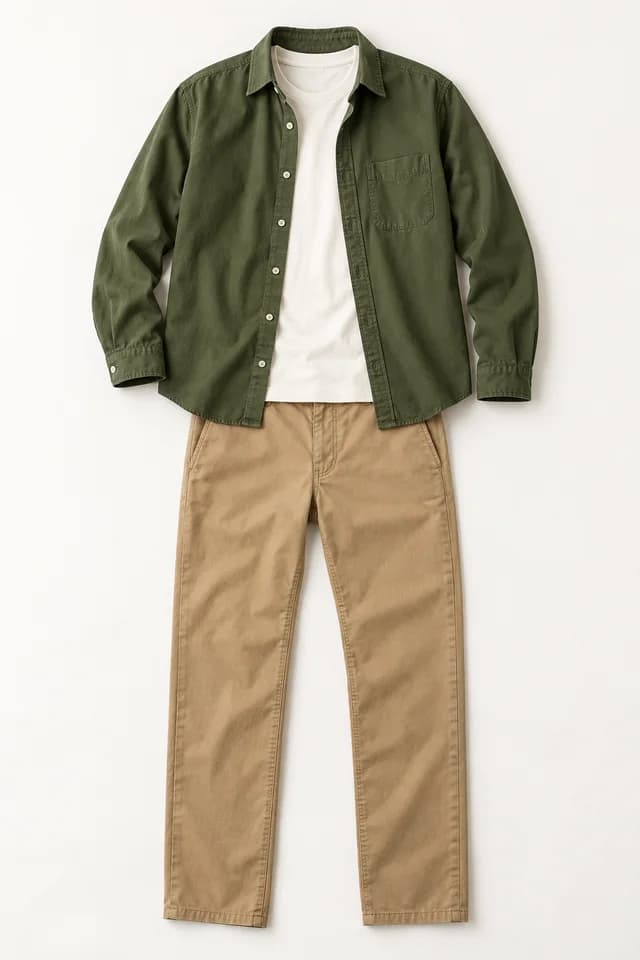
Try a different everyday outfit.
Use a clothing reference to try an olive overshirt, off-white tee and tan chinos on the same man.
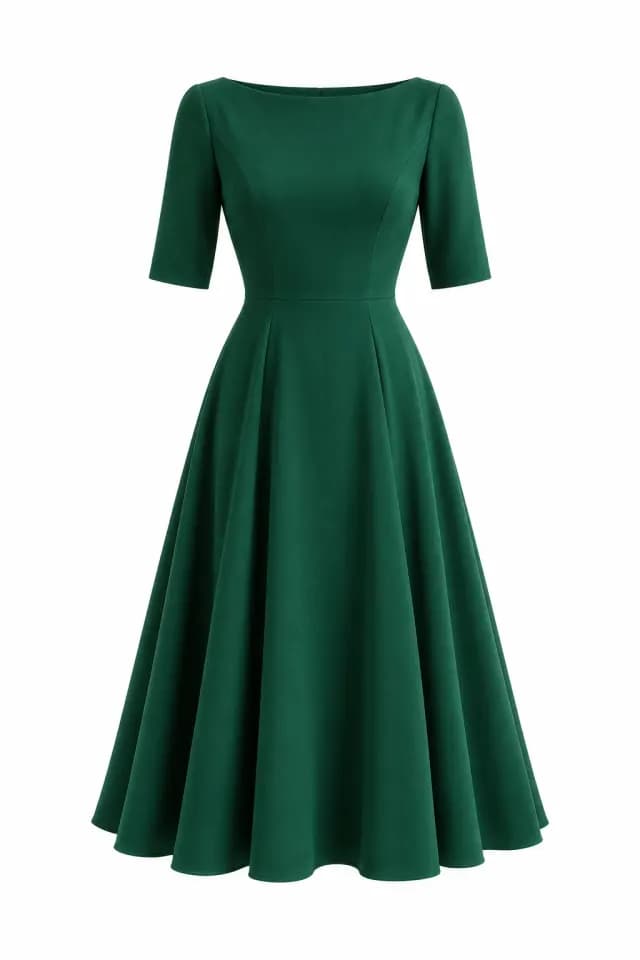
Elegant evenings
A little color. A different mood.
An emerald midi dress, a defined waist and a softly flowing skirt.
Modern tailoring
Make room for a sharper silhouette.
An ivory blazer and wide-leg trousers for a polished, understated look.
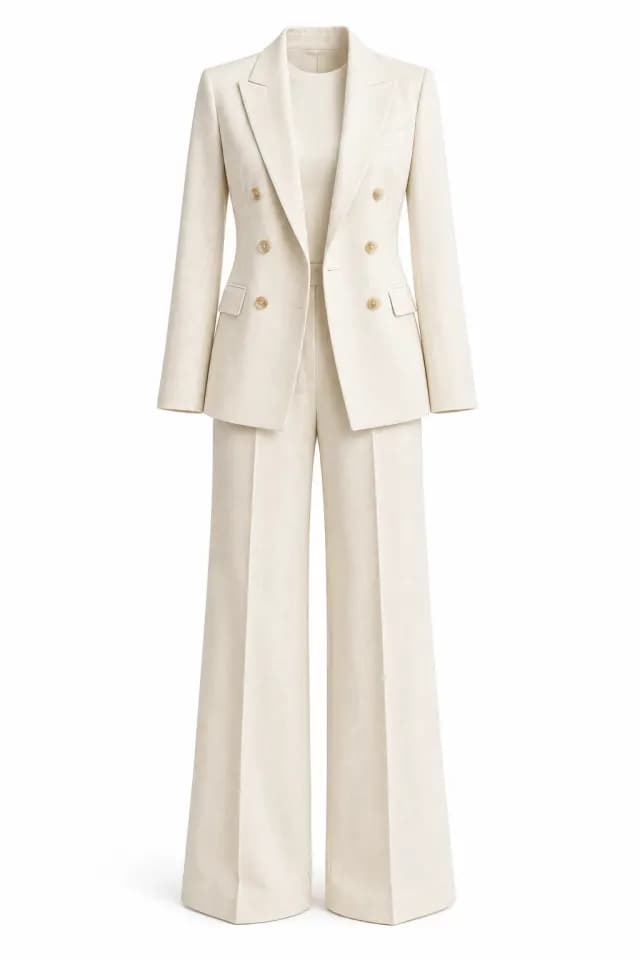
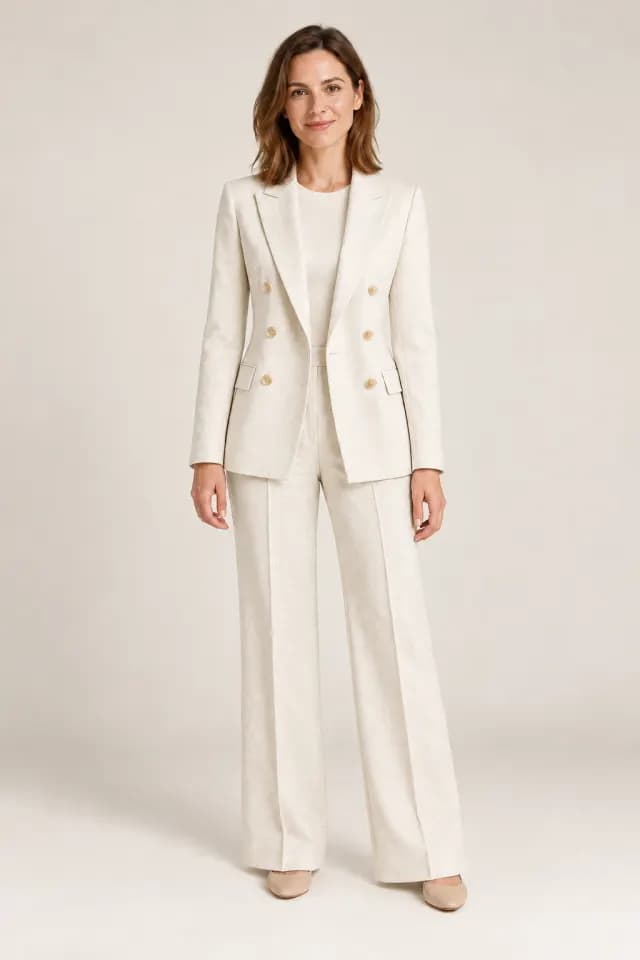
Off-duty essentials
Keep it relaxed. Keep it considered.
An oatmeal cardigan, a simple white tee and relaxed linen trousers.
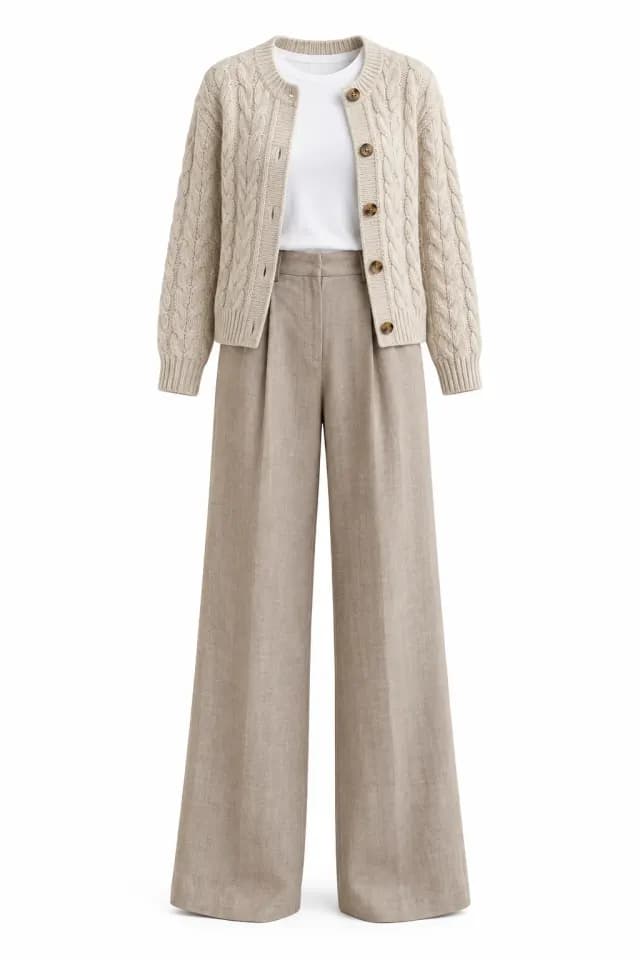
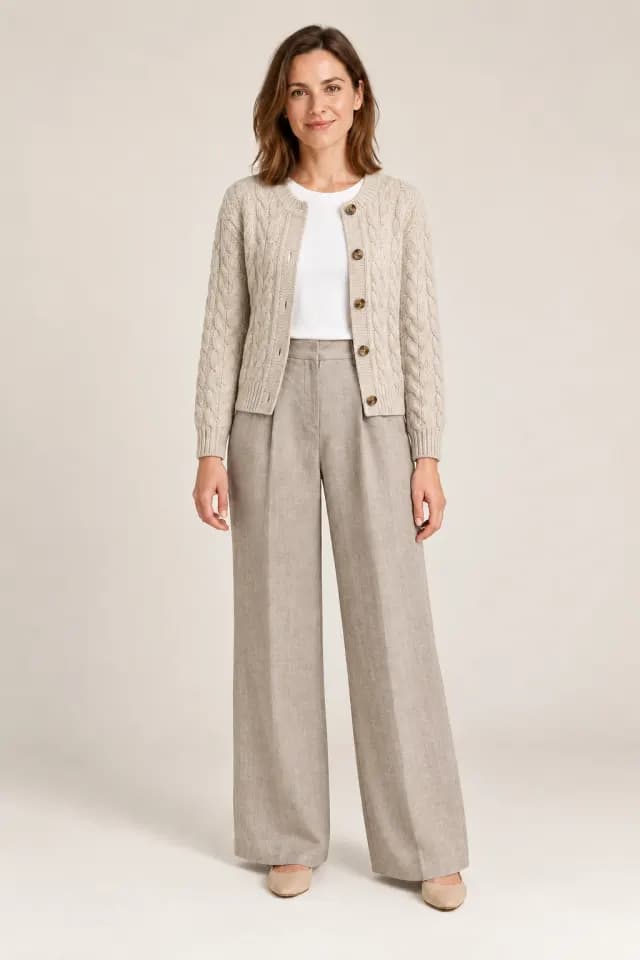
The model and clothing references were AI-created, including both women in the first example. Each result was generated from the two images shown. Results are examples, not a guarantee of fit or exact garment reproduction.
- 01
Start with a clear photo
Choose one person with the clothing area visible. Full-body photos work best for complete outfits.
- 02
Add the clothes you have in mind
Upload a photo of someone wearing the outfit, a clothing-only reference, or choose a style in the editor. Keep the clothes clearly visible so their details are easier to interpret.
- 03
Generate, then take a closer look
Check the credit cost before submitting. Review the face, hands, garment edges and fabric details before saving.
Before you try
A few useful details.
For styling ideas and visual exploration—not a sizing or fitting service.
Can I use an outfit worn by another person?
Yes. Upload your original photo, then choose Upload image in the outfit settings and add a photo of another person wearing the clothes you want to try. You do not need to extract the clothing first. Use a clear reference with the outfit visible.
Can I upload my own clothing image?
Yes. Choose Upload image in the outfit settings. Review the selected reference before generating your preview.
Can I try men’s outfits on my photo?
Yes. Upload your photo and a clothing reference, such as an overshirt, T-shirt and trousers, to create a men’s virtual try-on preview. The everyday outfit example uses the same reference-image workflow as other outfit changes. Compare your face, pose and clothing details; it does not predict sizing or fit.
Does this show how clothes will actually fit?
No. The result is a generated visualization. It does not measure your body or predict sizing, drape or real-world fit.
Is this a virtual try-on?
It creates a visual preview of an outfit on your photo. It is not a substitute for checking real-world size, fit or fabric behavior.
Do I need an account to use this tool?
You can read this guide without an account. Sign in to open the editor. Check the current access requirements and credit cost before submitting a task.