
Edit photos with AI
in a few clicks.
Enhance photos, change outfits, remove backgrounds and create polished images with focused AI tools.
Edit a photo Choose a tool to see its credit cost and sign-in requirements.
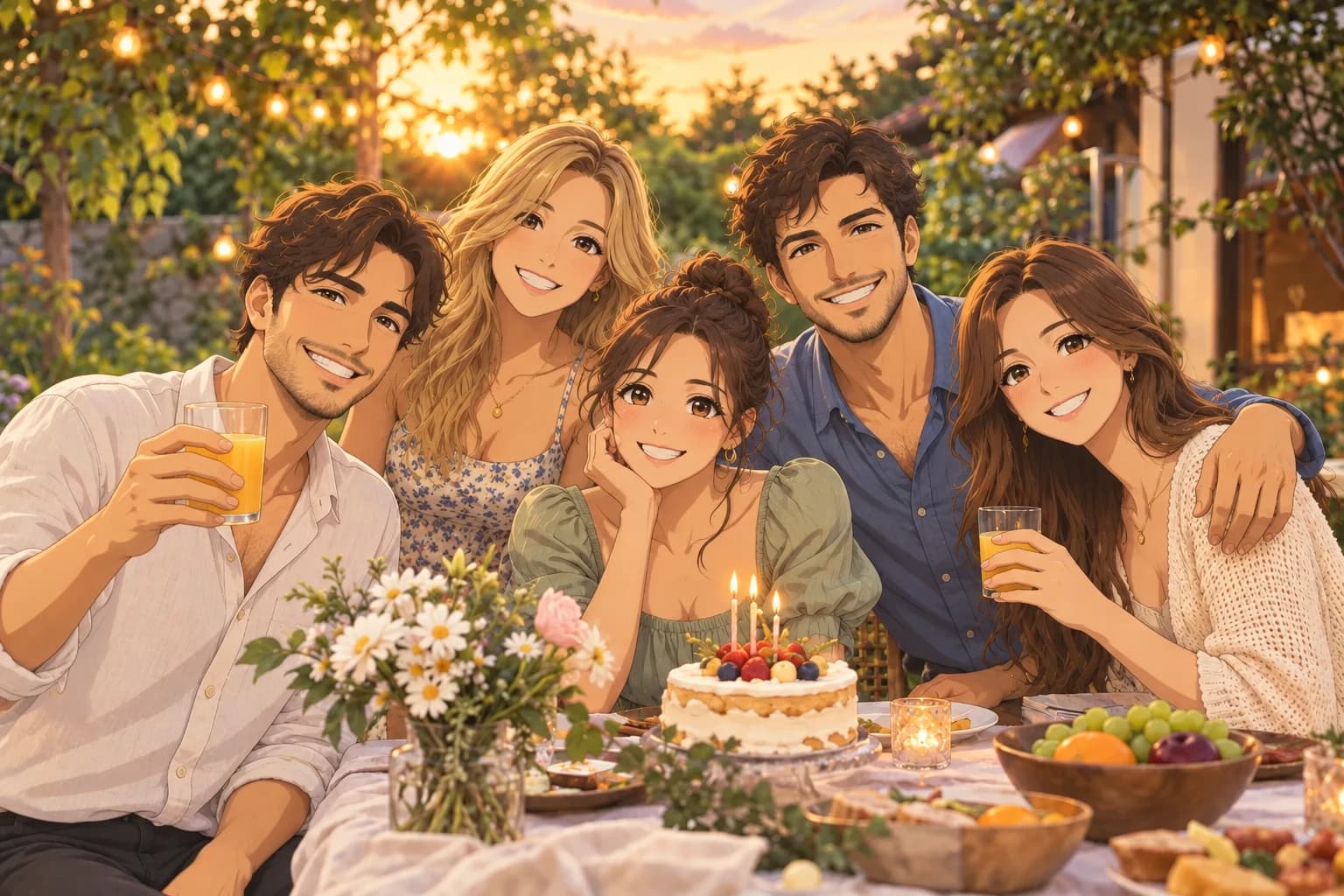 OriginalAnime
Choose the right AI photo tool
From quick touch-ups to creative transformations, choose the tool that fits your image.
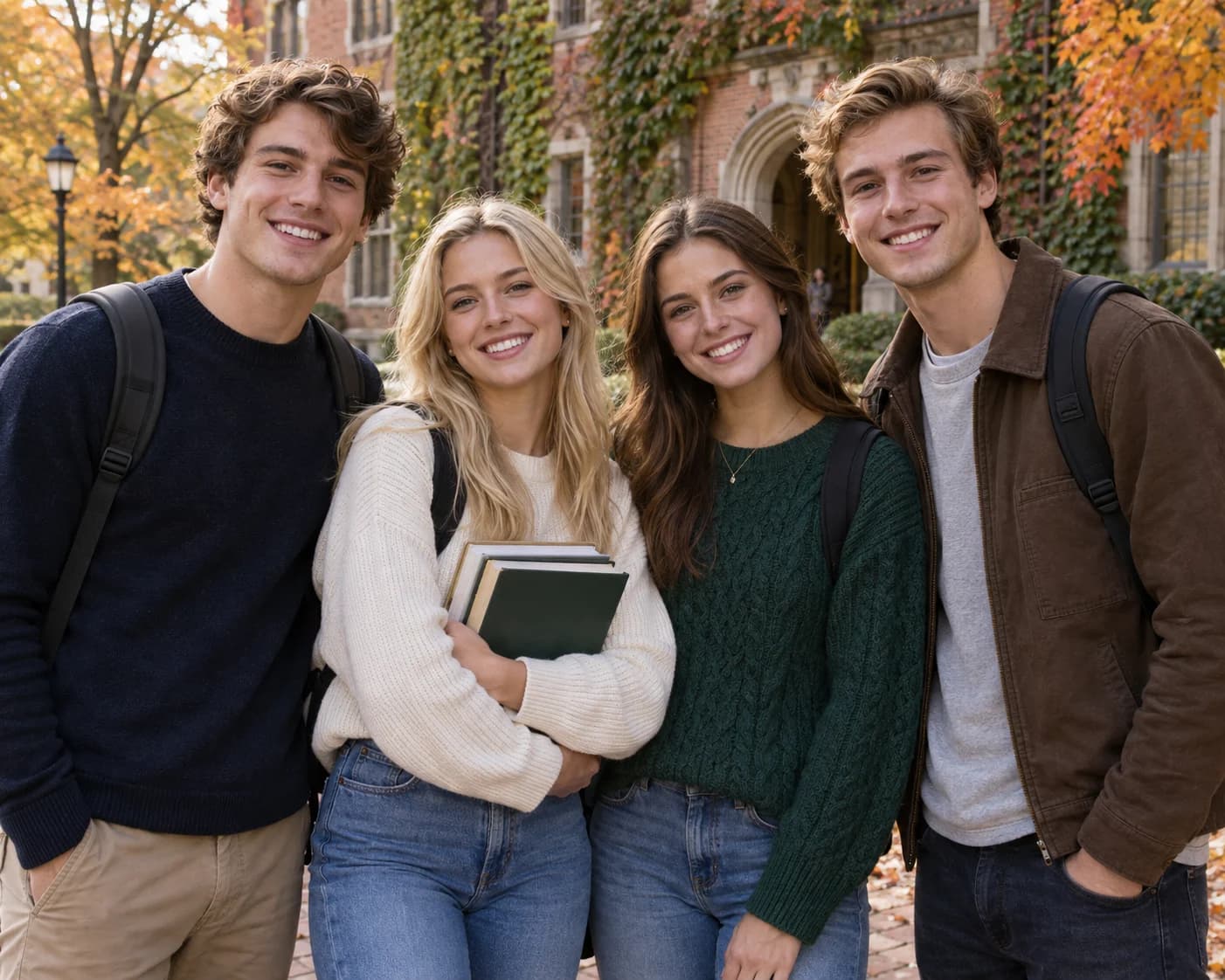 Original
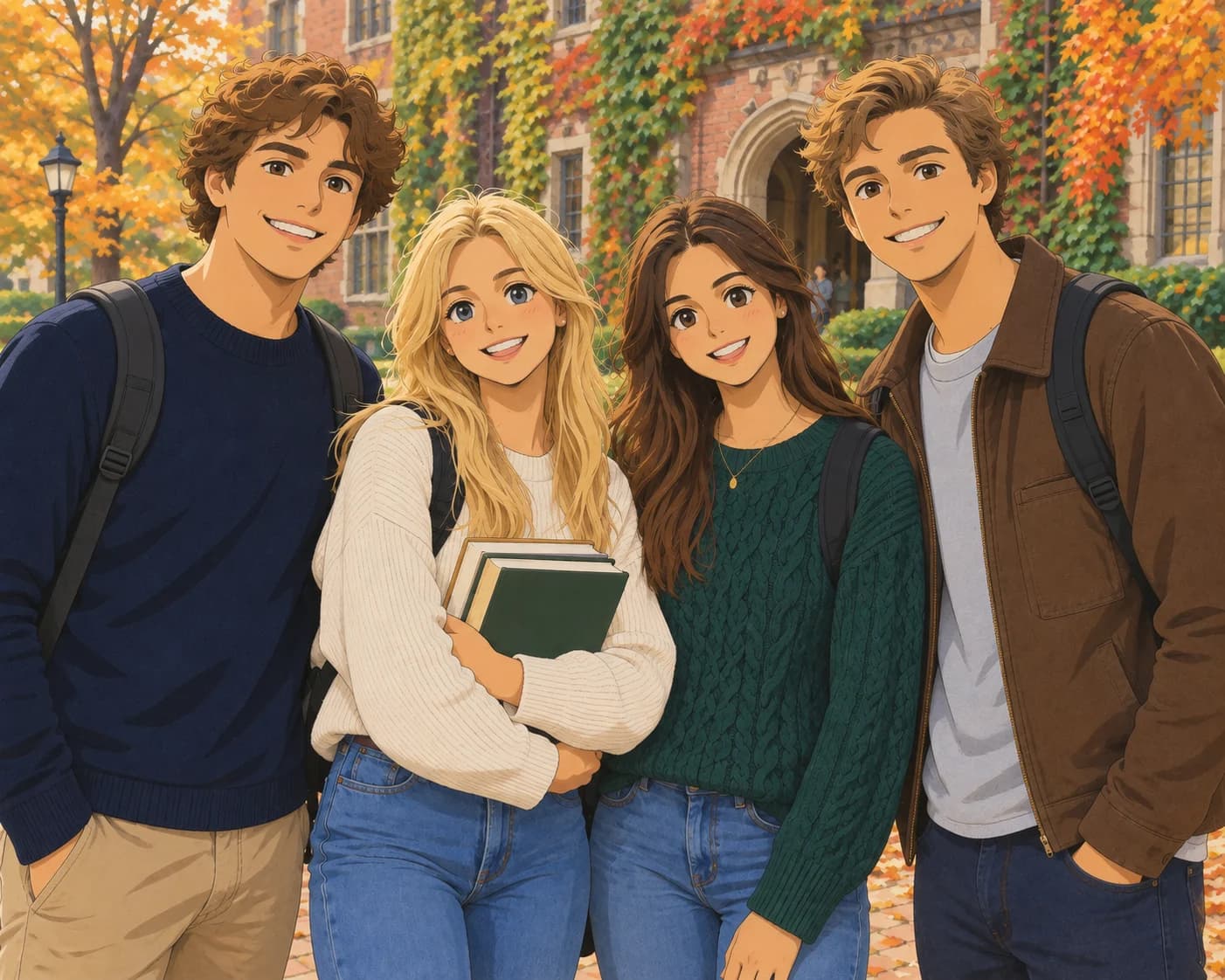 Anime
AnimePhoto to Anime
Turn your photos into anime art
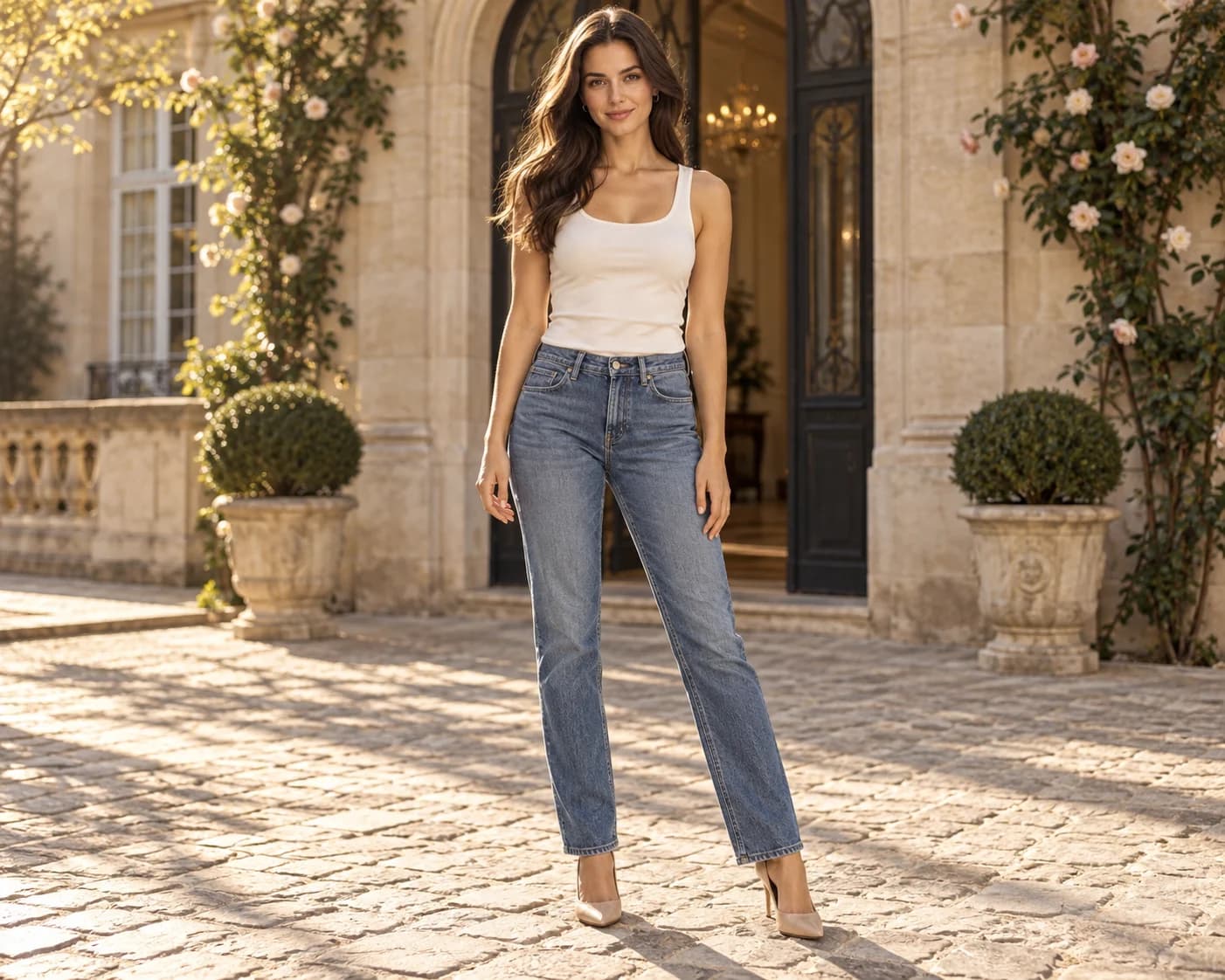 Original
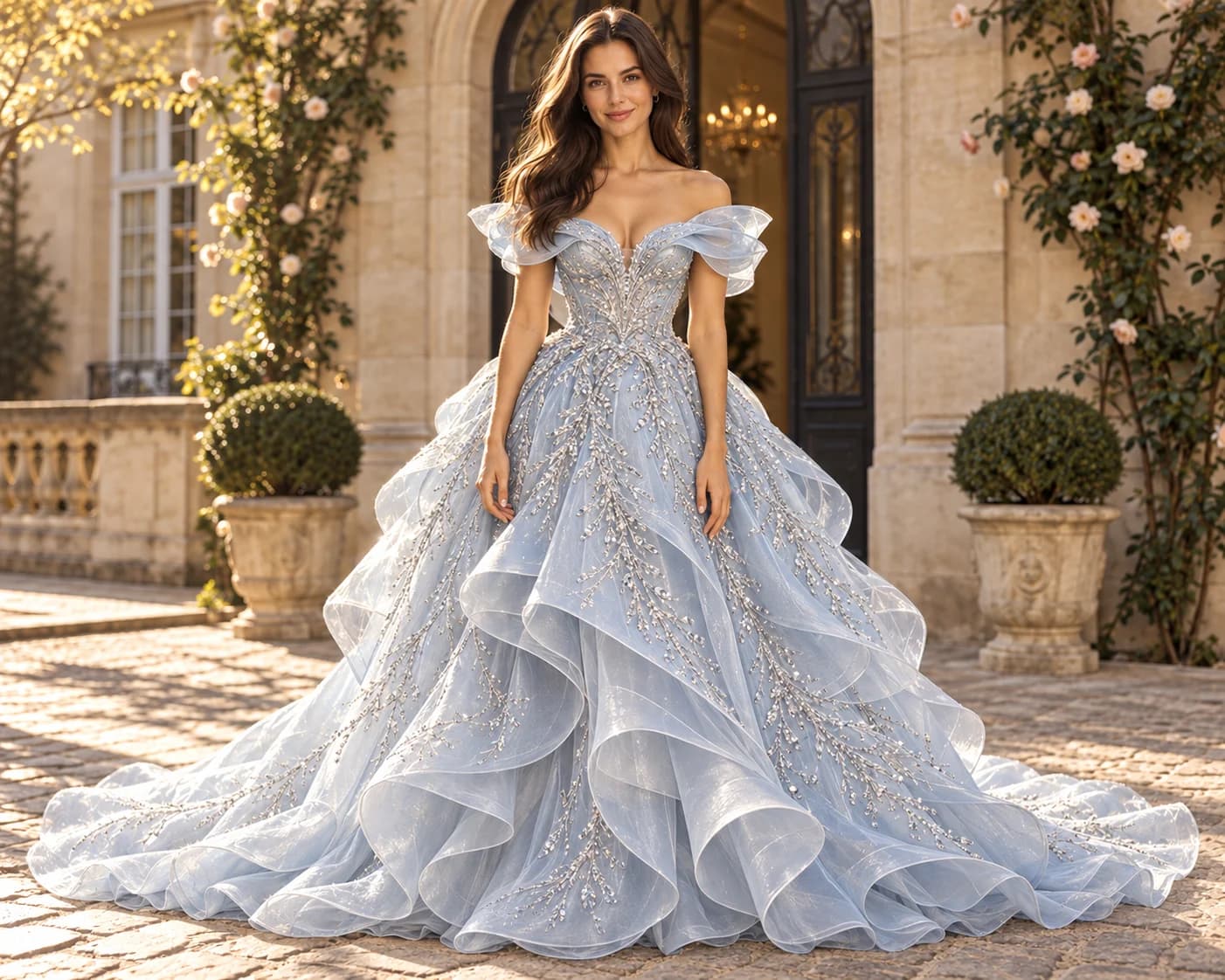 New outfit
AI Outfit Changer
Change clothes in your photo with an AI virtual try-on
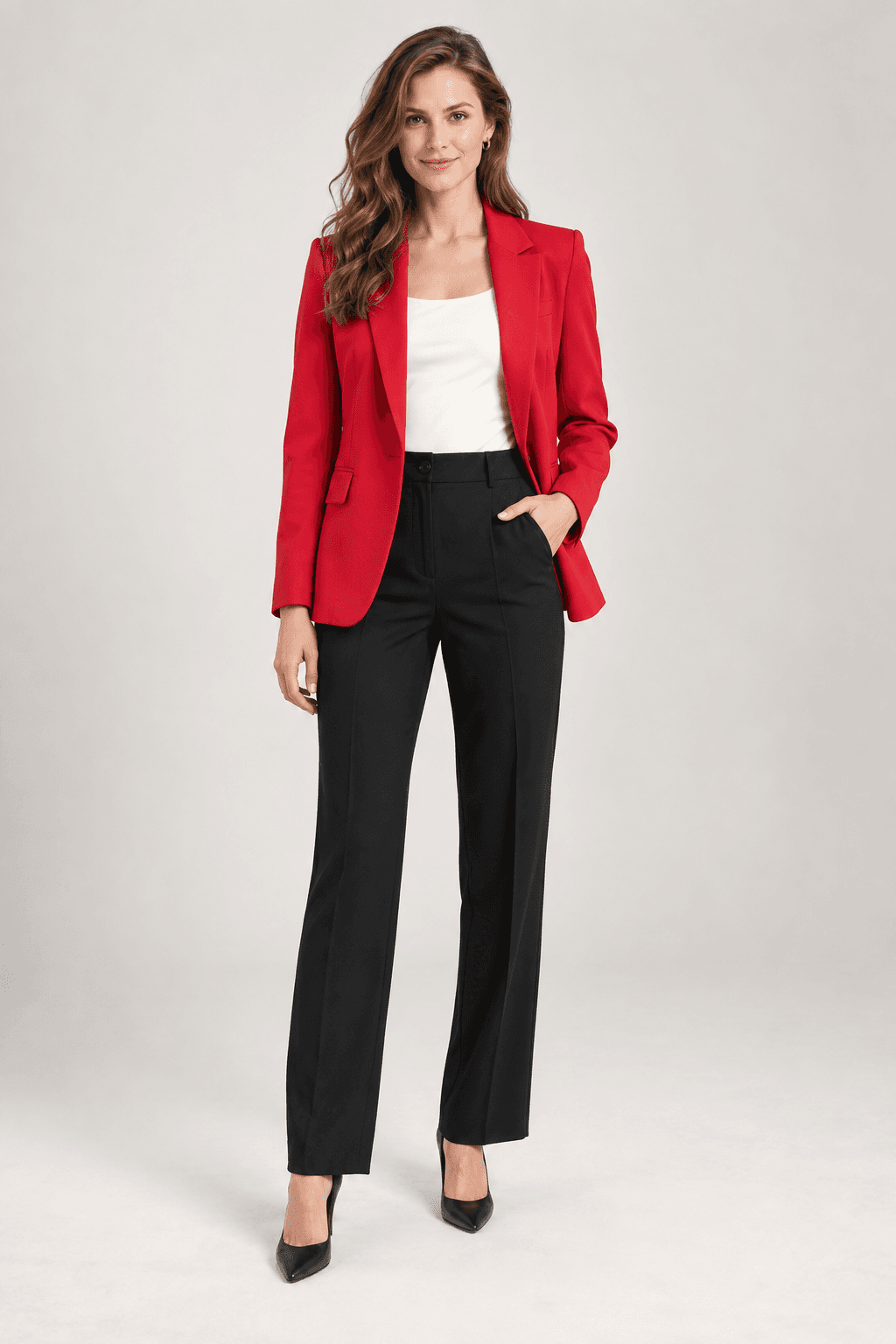 Original
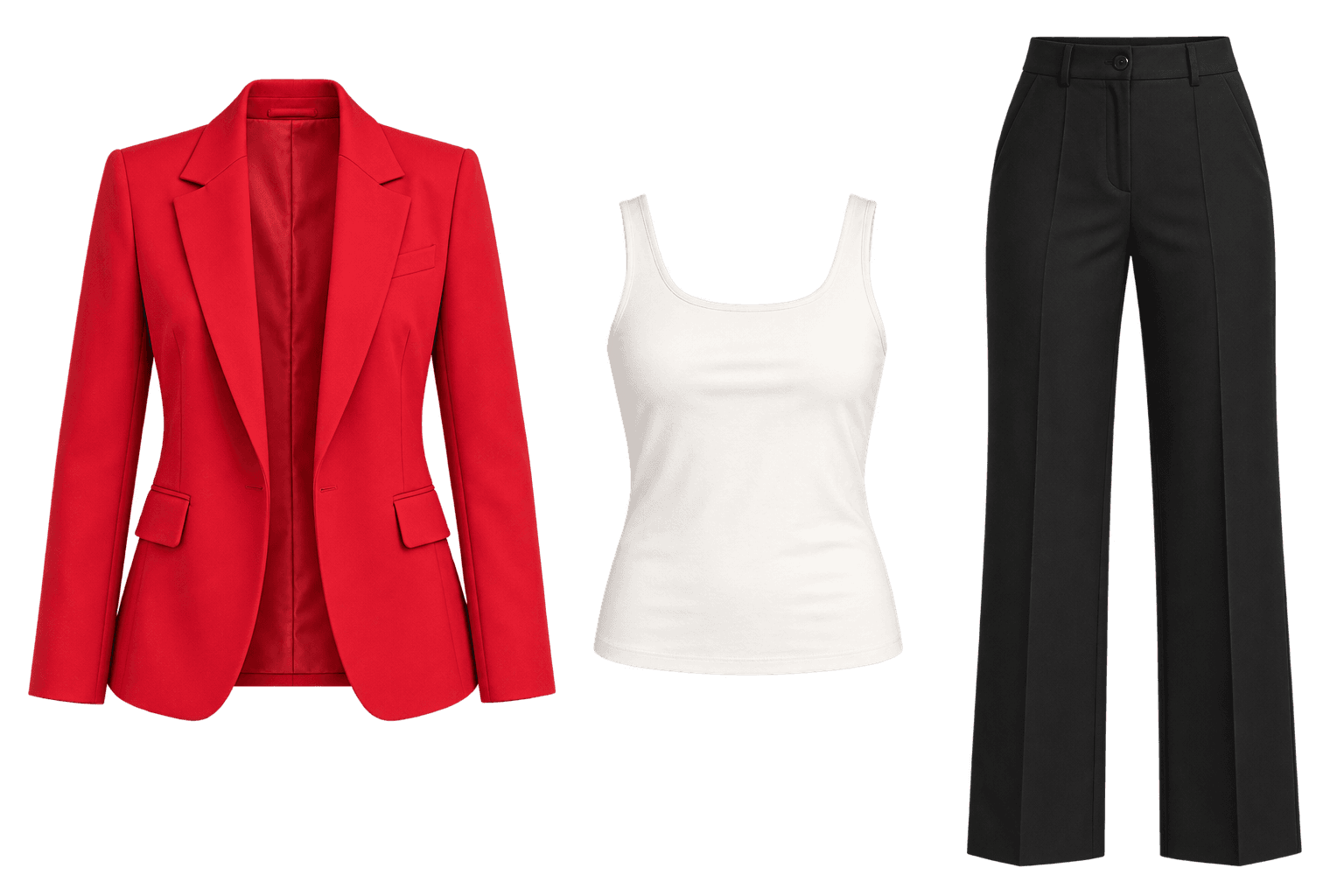 Extracted clothing
AI Clothing Extractor
Create a clothing reference from the main subject as one transparent PNG
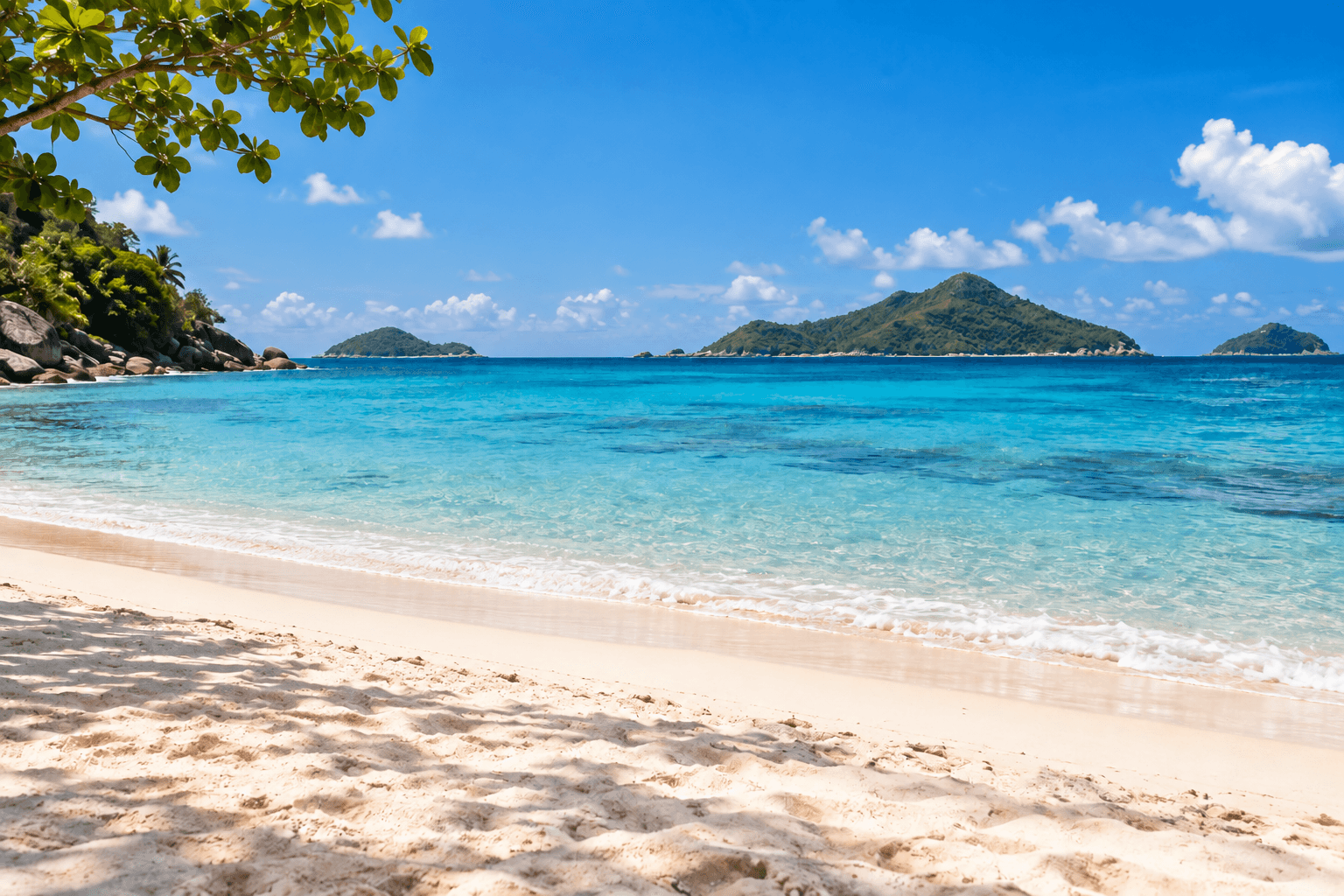
Object Remover
Remove distractions from any photo
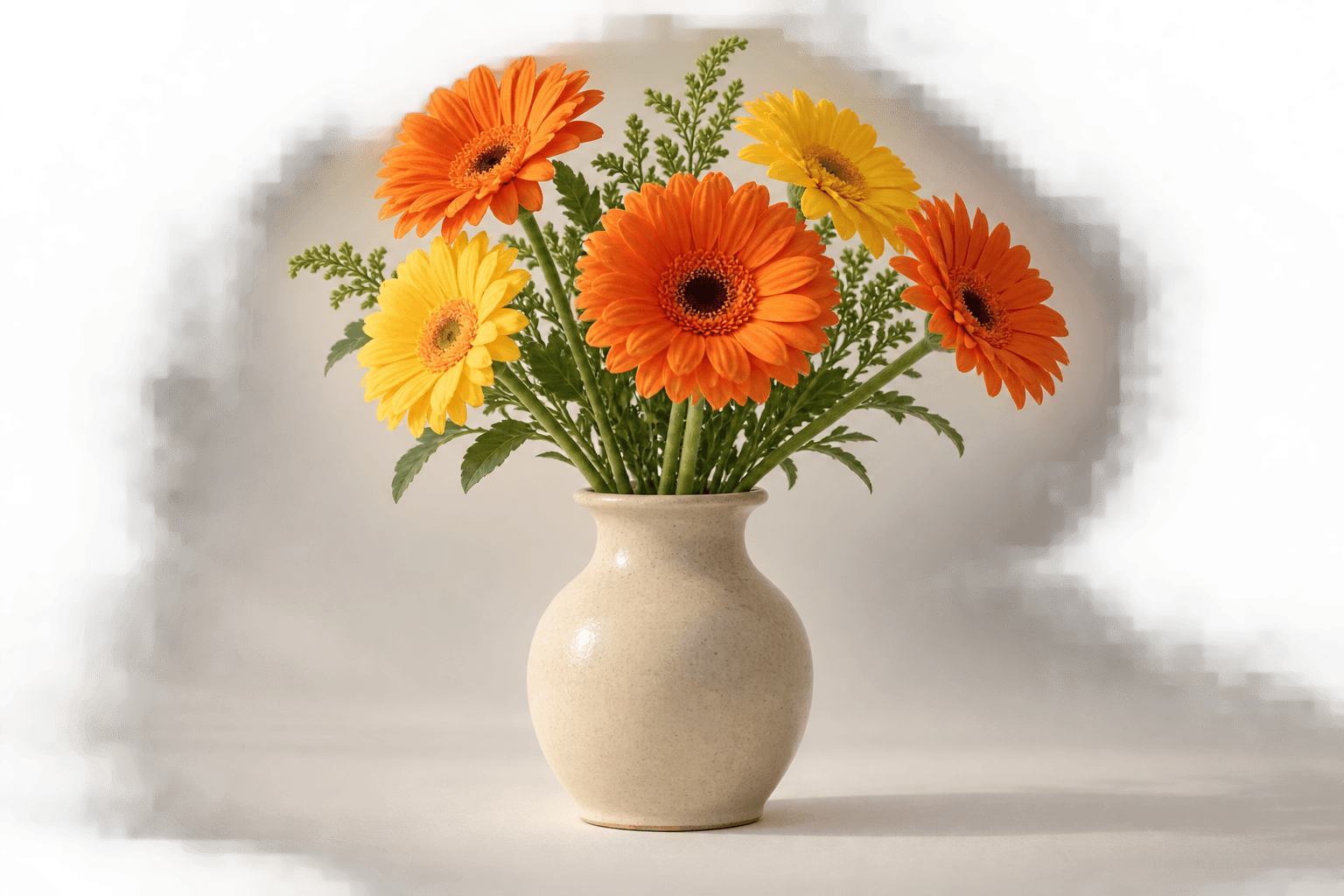
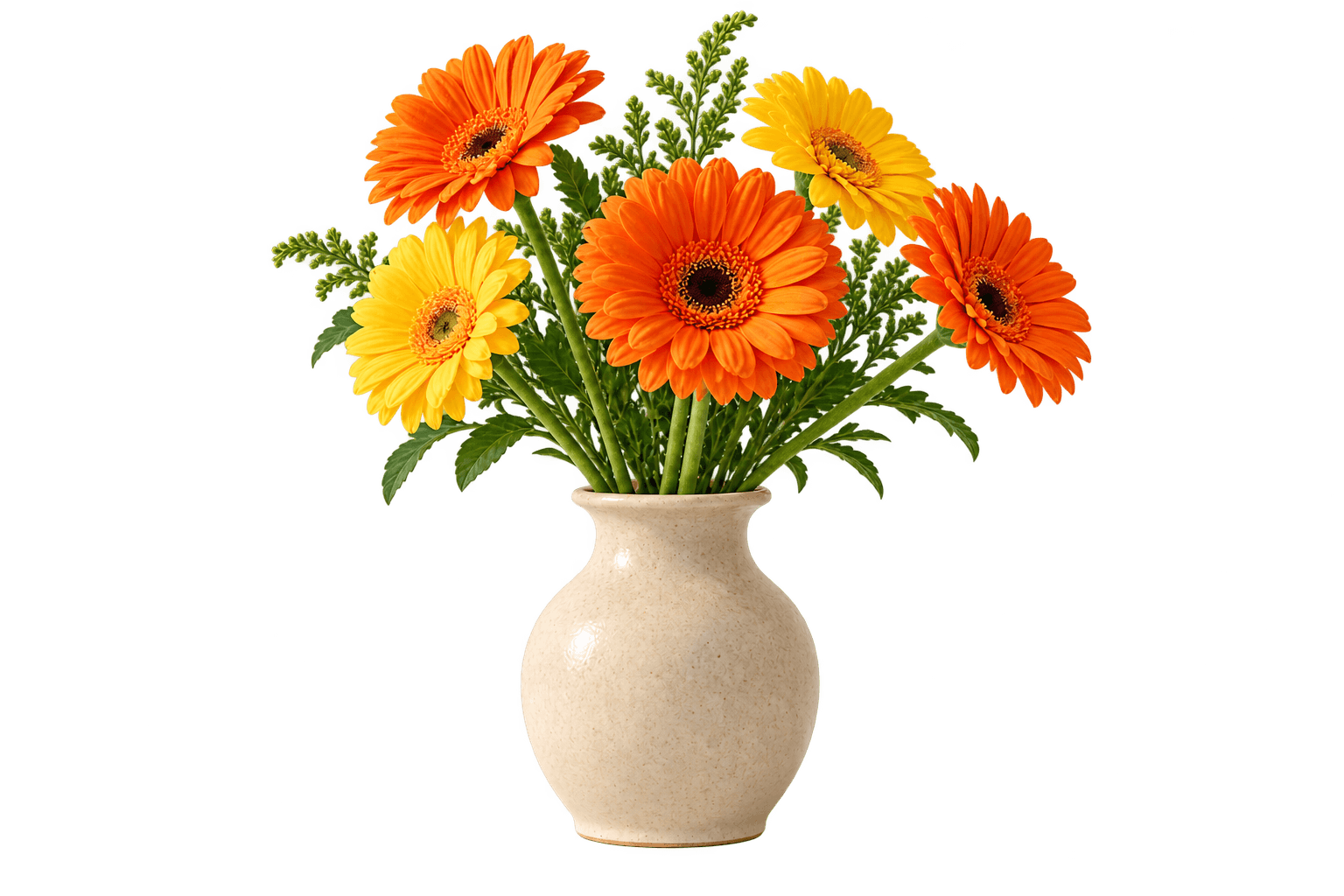
Background Remover
Remove the background and create a clean transparent cutout
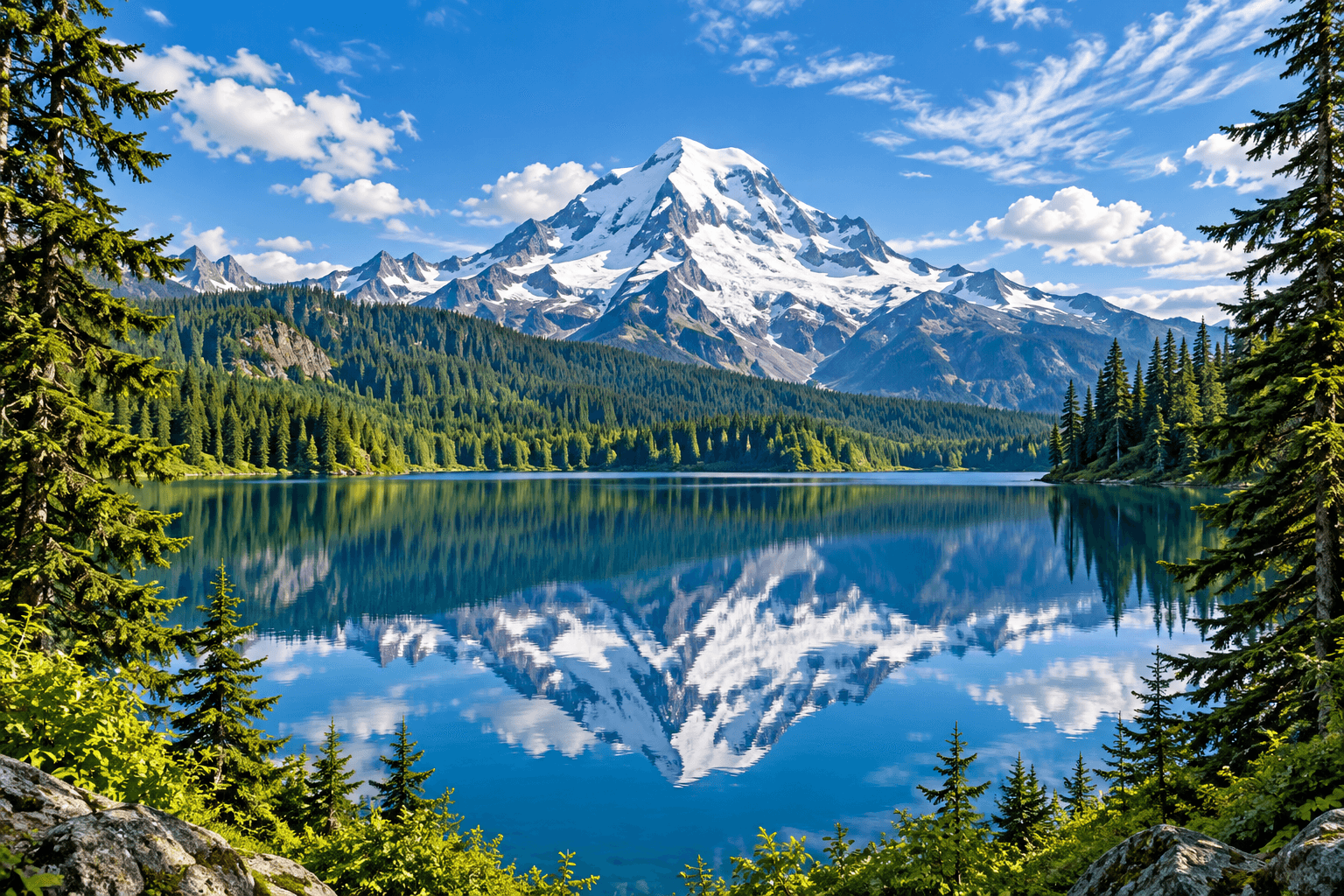 Grid preview
Image Splitter
Split a photo into grid tiles and download them together
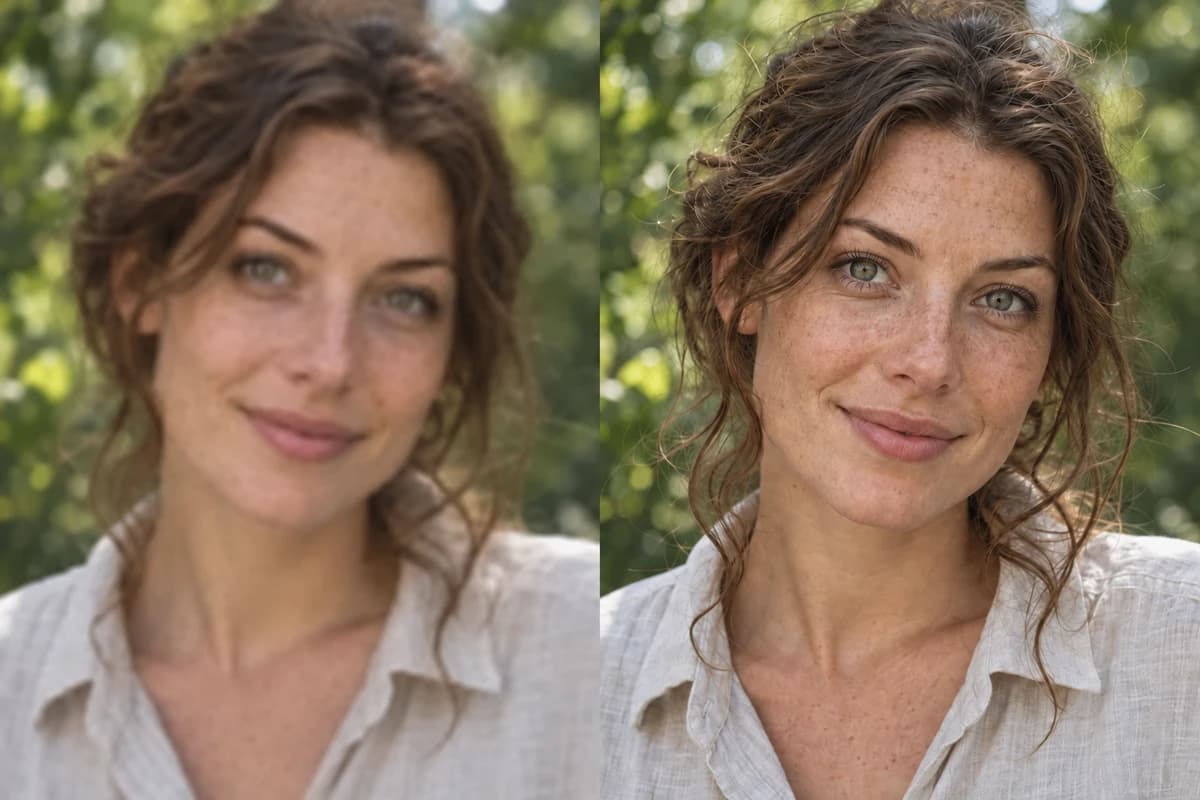 BeforeEnhanced · Illustration
AI Photo Enhancer
Bring out sharper, more natural detail
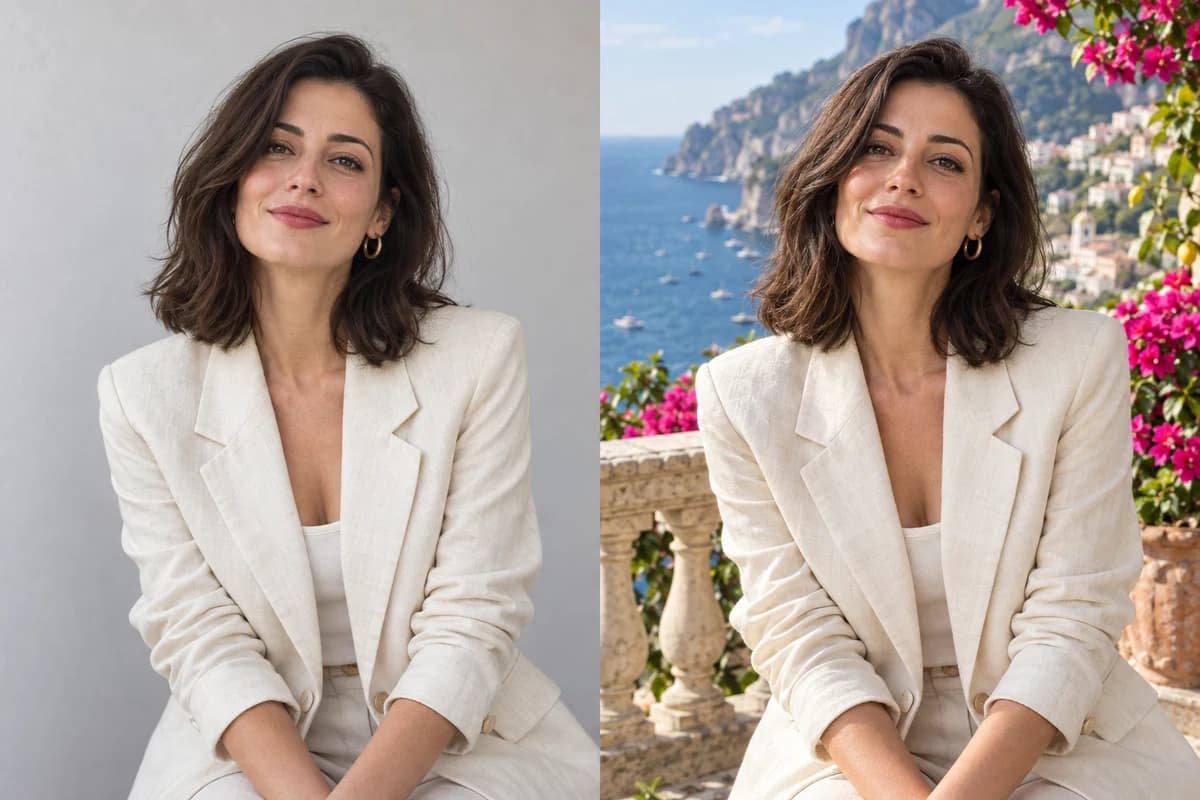 Example result
AI Background Changer
Replace a photo background with a new AI-generated scene
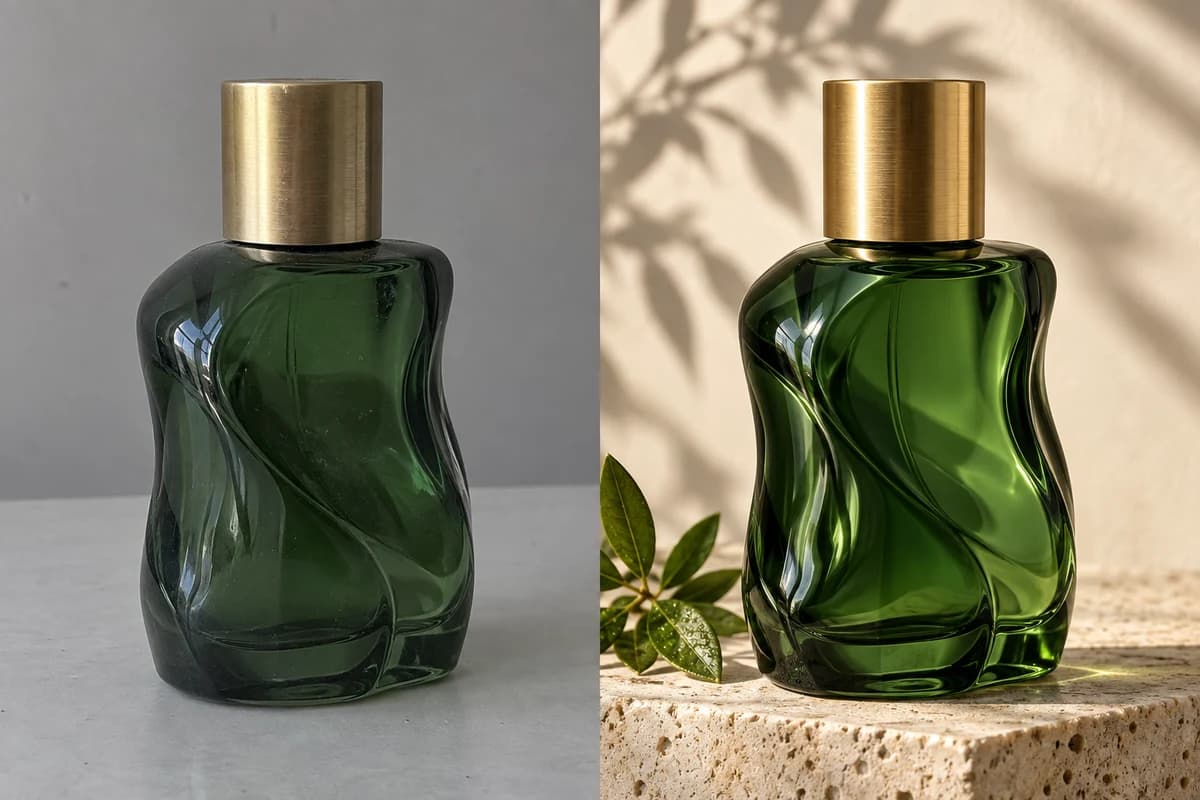 Example result
Product Photo Studio
Create polished product photos with an AI studio workflow
Looking for a broader workflow? Explore the AI image-to-image generator
How to edit a photo with AI
Choose a tool
Find the right tool for your image.
Upload your image
Start with a clear photo you want to edit.
Edit and download
Preview your edit, then save your favorite version.
Questions? Start here.
Which image formats can I upload?
Upload JPG, PNG or WebP images up to 10 MB each. For the best results, start with a clear, high-quality original.
Do I need an account?
Browse tool guides and examples without an account. Sign in to use the editor, and check the current access requirements and credit cost before submitting an edit.