
Photo editing, step by step
How to extract clothes from a model photo
Learn how to extract clothes from a model photo with AI Outfit Extractor. Review the clothing-only result and save a transparent PNG for outfit references.
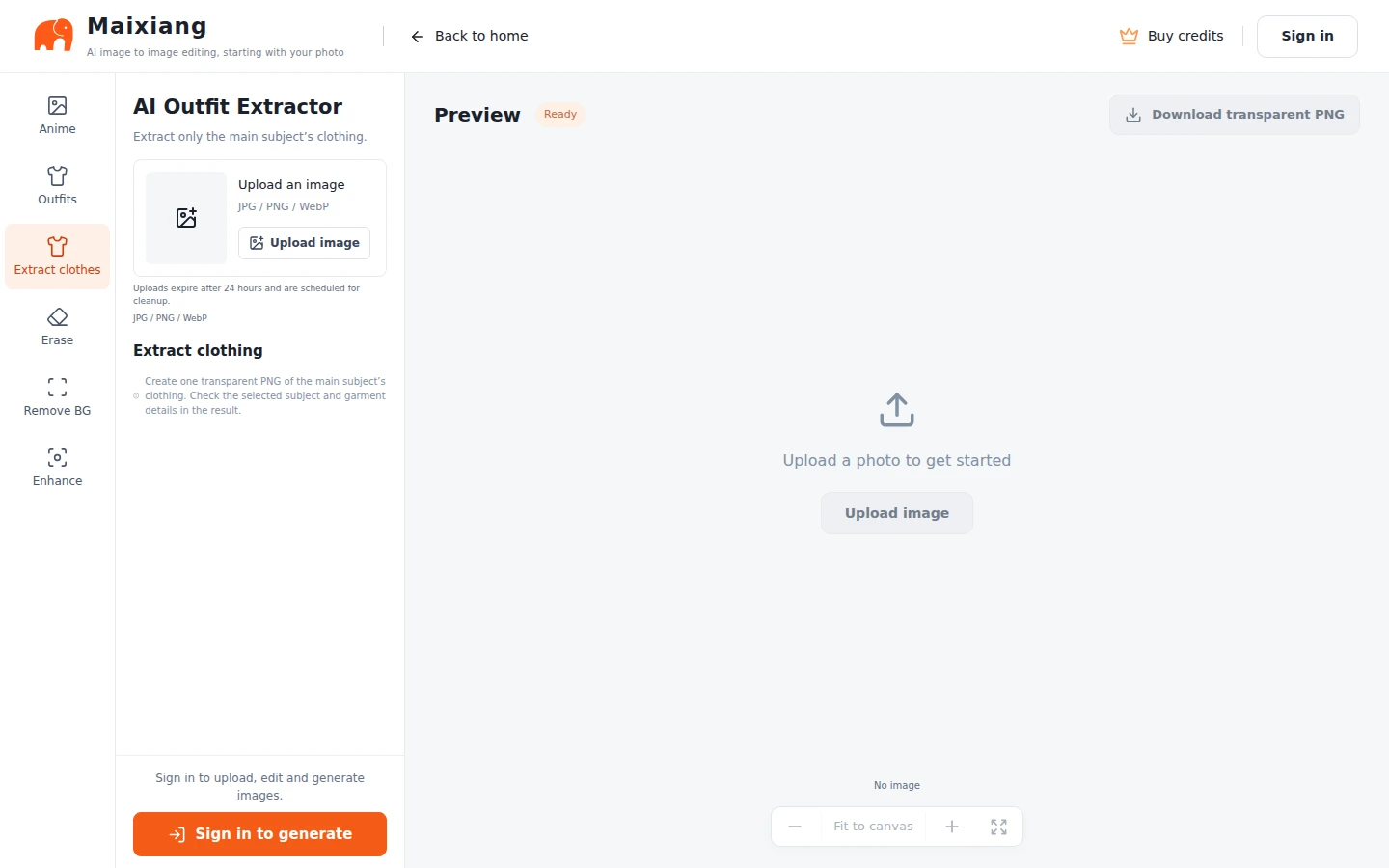
Upload the outfit photo
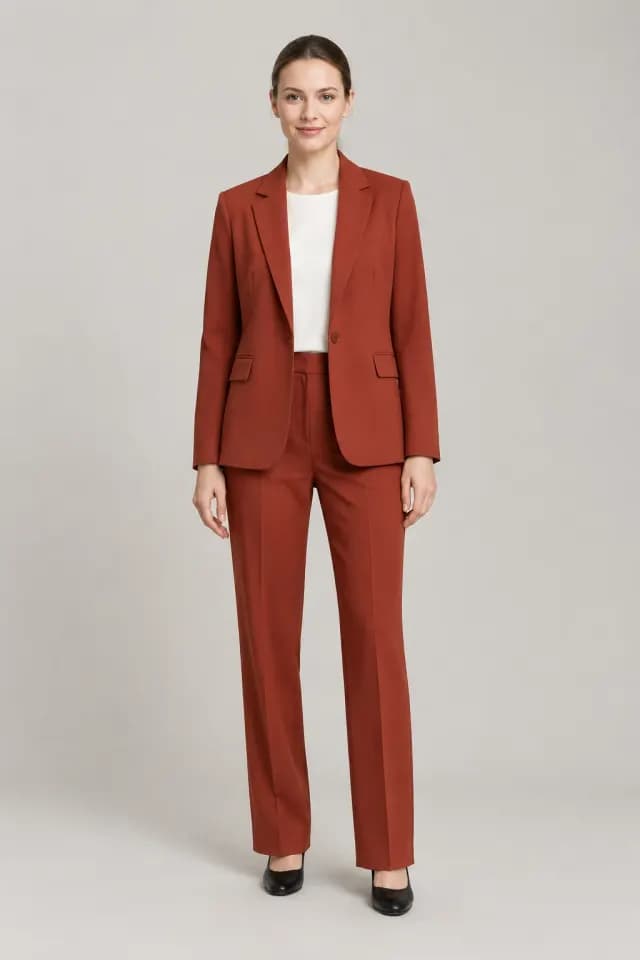
Open AI Outfit Extractor and upload a clear model photo or a photo of someone wearing the outfit. If several people are equally prominent, crop around the intended subject first.
Keep in mind
The extractor targets the main subject’s clothing, not bystanders’ outfits.
Inside the editor · Step 1
Extract the clothing
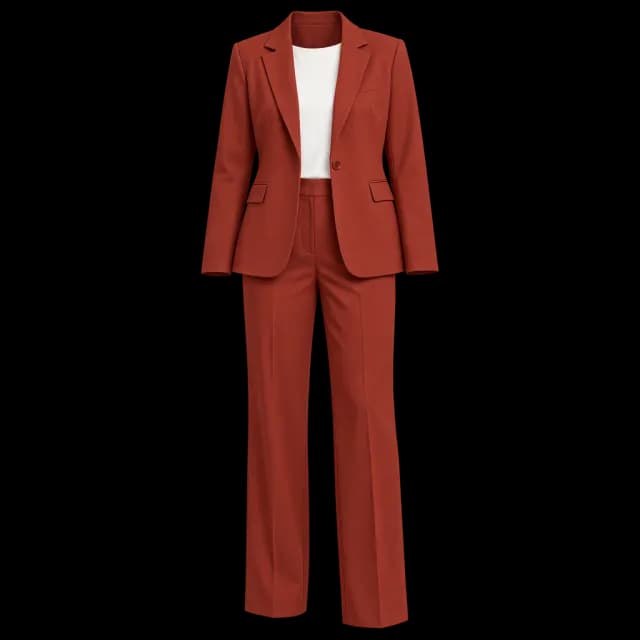
Start extraction to create a clothing-only image without the wearer or surrounding scene. The outfit is kept together in one transparent PNG.
Keep in mind
This is different from background removal, which keeps the person as part of the cutout.
Inspect the details and save the PNG
Check the neckline, seams, buttons and garment arrangement before downloading. You can use the image as a styling reference or provide it to AI Outfit Changer.
Keep in mind
Keep the PNG format to preserve transparency. Hidden garment areas may be reconstructed.
AI-created source photo with the extraction result used on the tool page. The checkerboard indicates transparency and is not included in the PNG.
Common questions
A few answers before you start.
How do I extract clothes from a model photo without the background?
Upload a photo with a clearly identifiable main subject to AI Outfit Extractor. It creates a clothing-only reference with the outfit kept together in one transparent PNG. Inspect garment edges and reconstructed areas before using it.
Does clothing extraction remove the person too?
Yes. Clothing extraction aims to exclude the wearer and the surrounding scene while retaining the main subject’s outfit. Background removal instead keeps the subject, including the person wearing the clothes.
Will each clothing item be downloaded as a separate file?
No. This workflow keeps the extracted outfit together in one transparent PNG rather than exporting separate files for each garment.
Can I use the extracted clothing in AI Outfit Changer?
Yes. Save the extracted PNG and upload it as the clothing reference in AI Outfit Changer, together with the photo of the person you want to dress. Check patterns, seams and garment shape in both results.