
Photo to Anime Your life, a little
more magical.
Convert photos to anime with AI, in one Ghibli-inspired style.
One signature style. No setup needed.
Sign in to create · View credit pricing
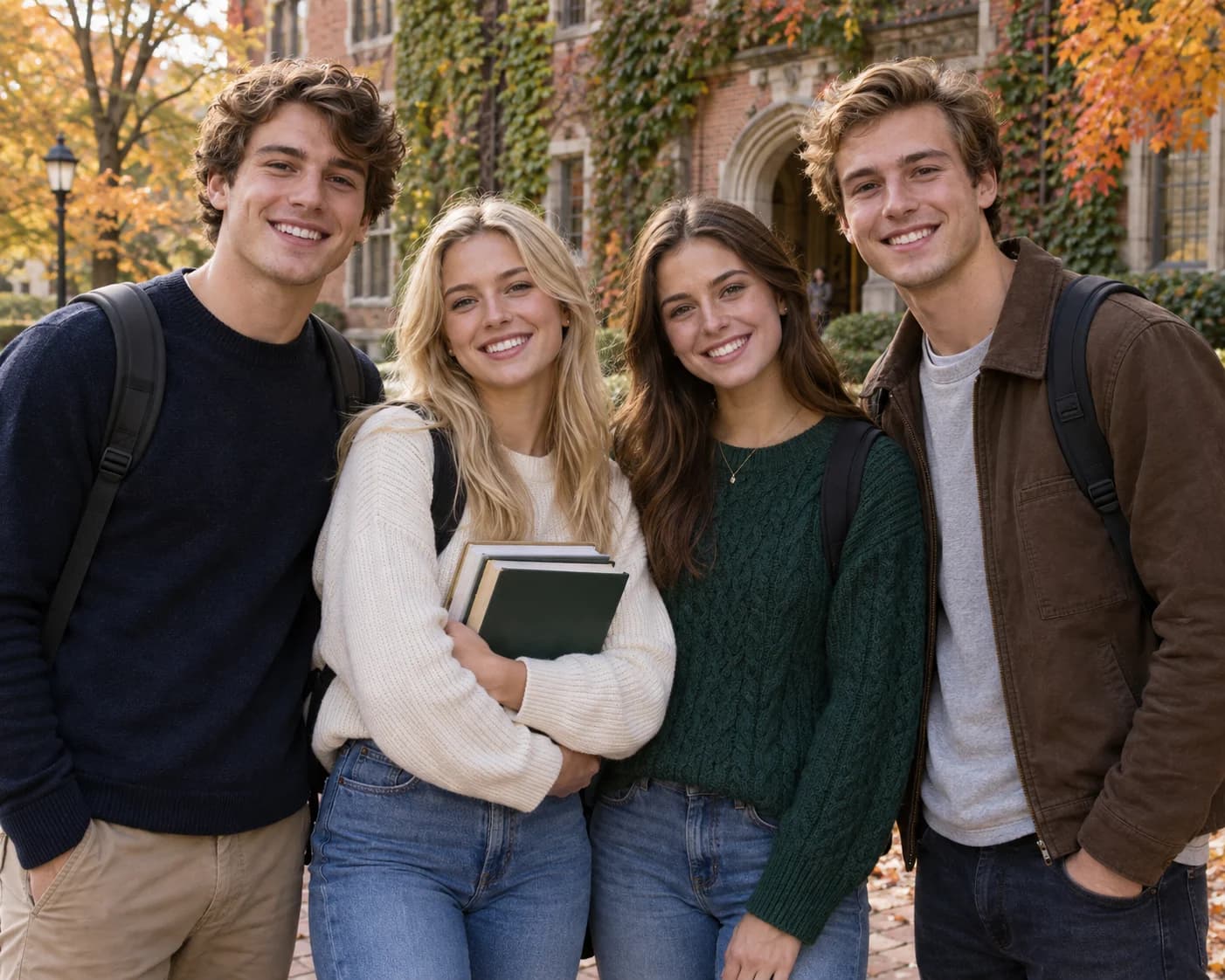
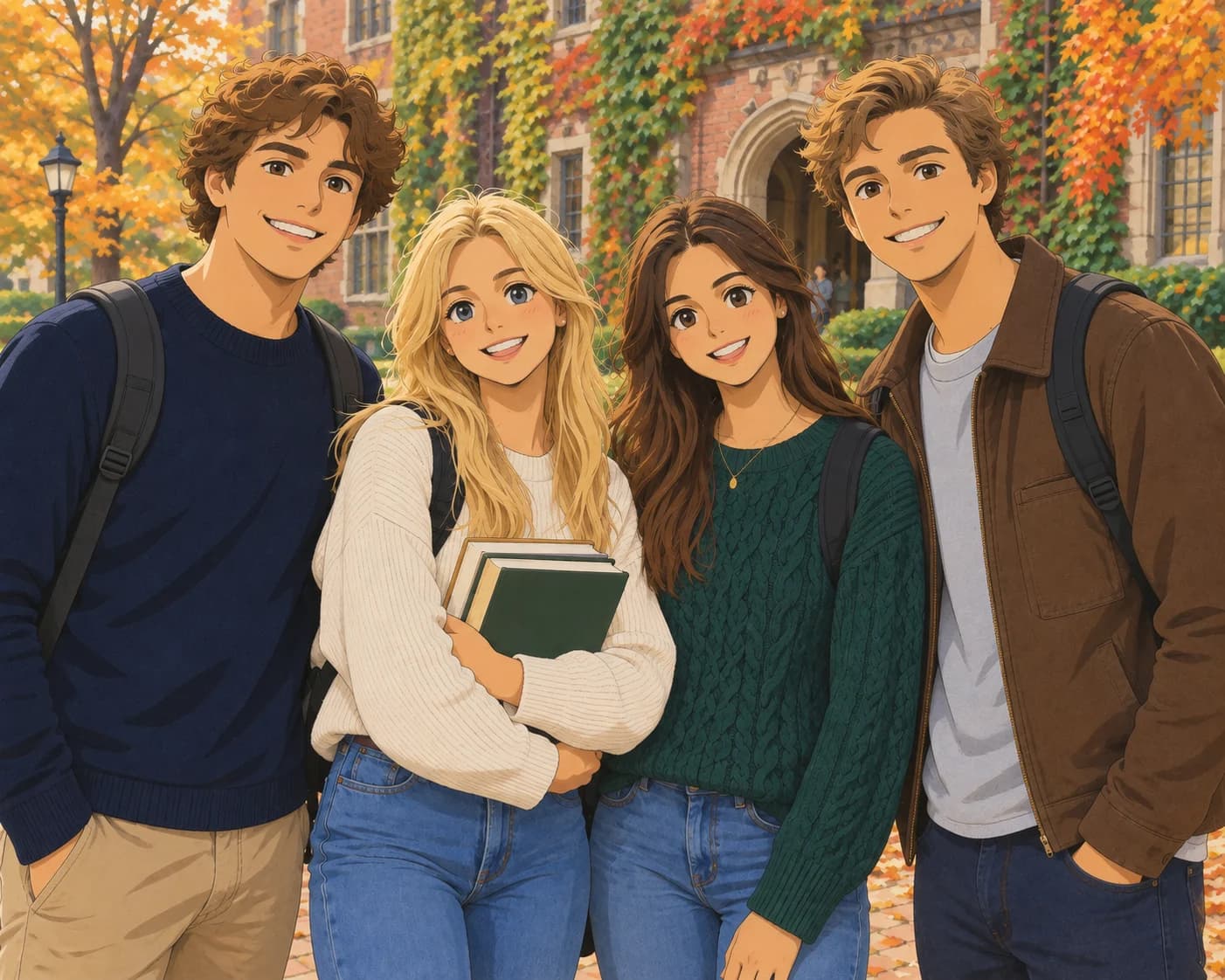
Every photo has a story.
See family portraits, birthday gatherings, salon events, pets and landscapes converted from photos to anime.
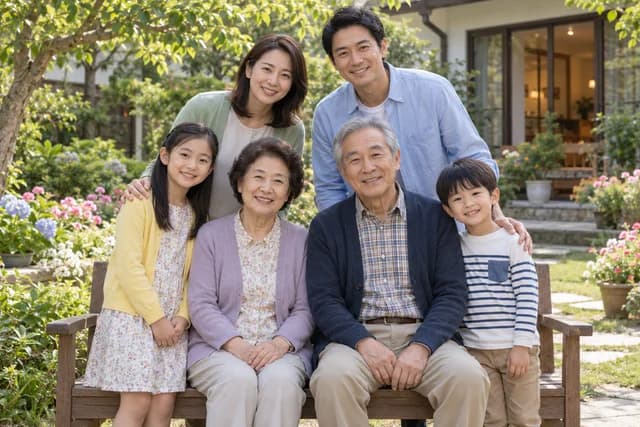 Original
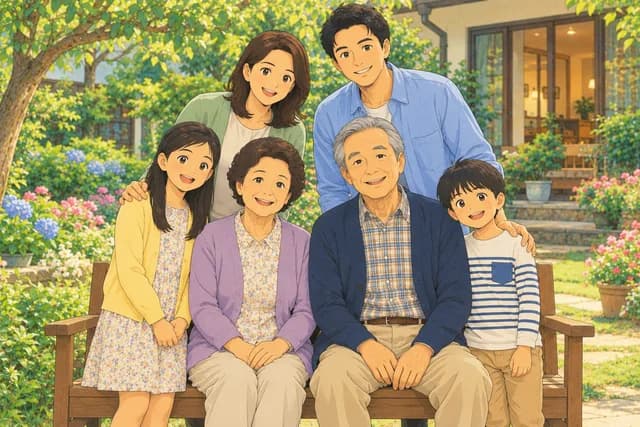 Anime · Result
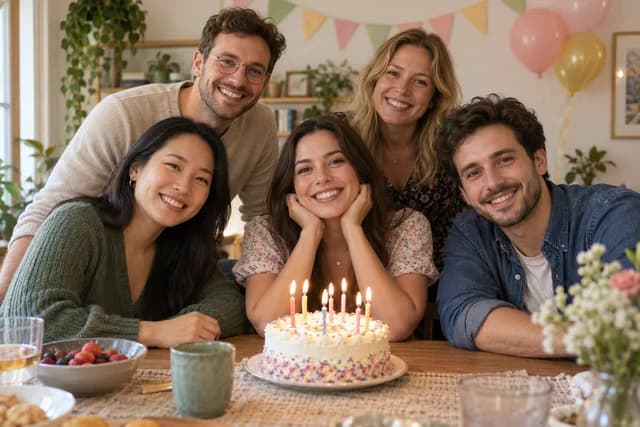 Original
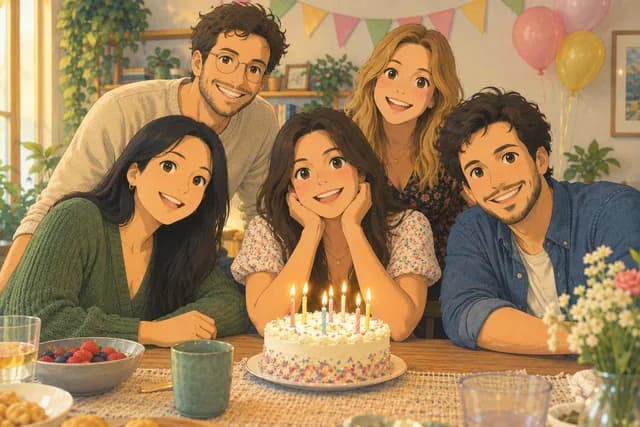 Anime · Result
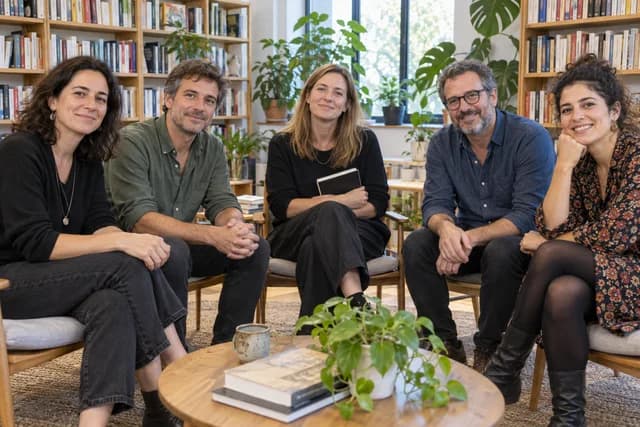 Original
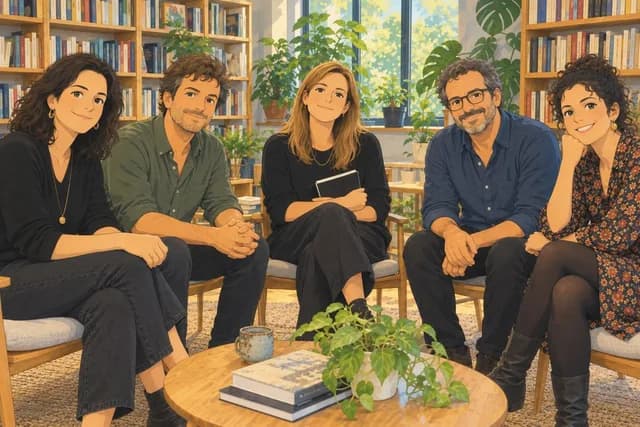 Anime · Result
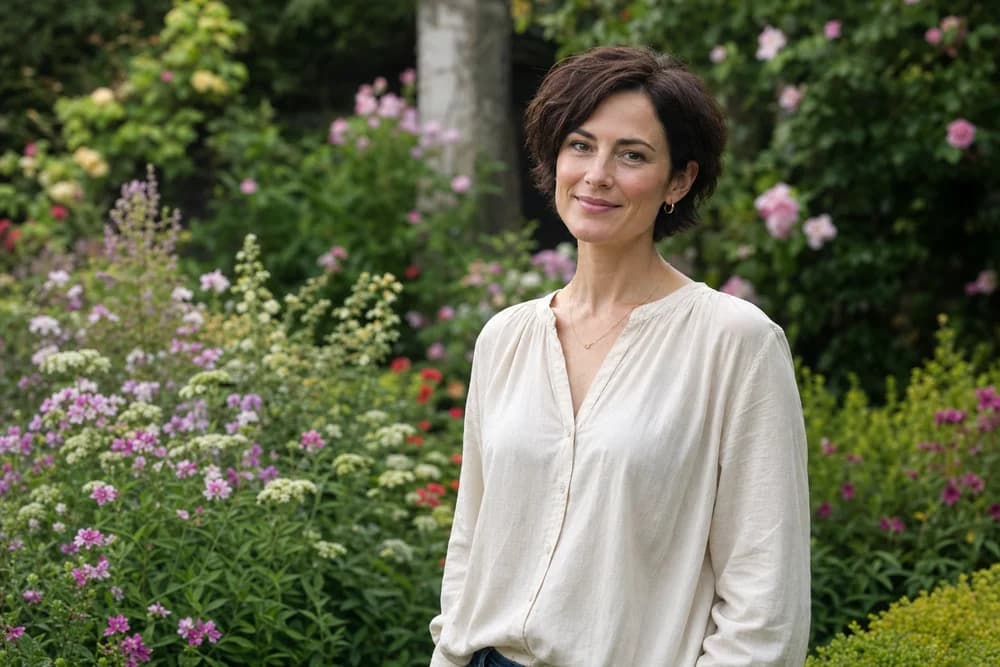 Original
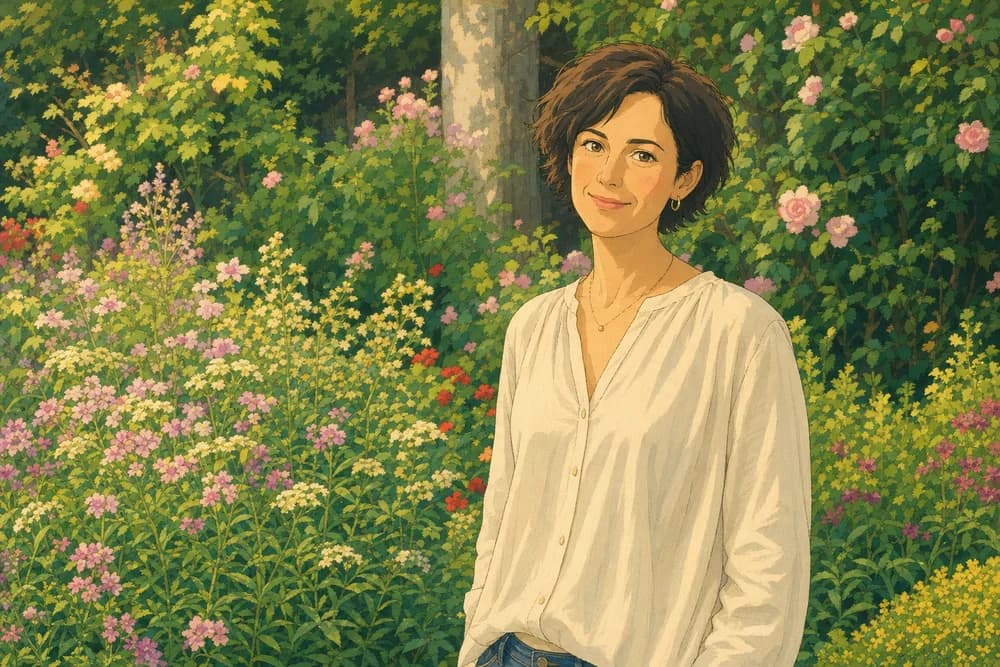 Ghibli-inspired
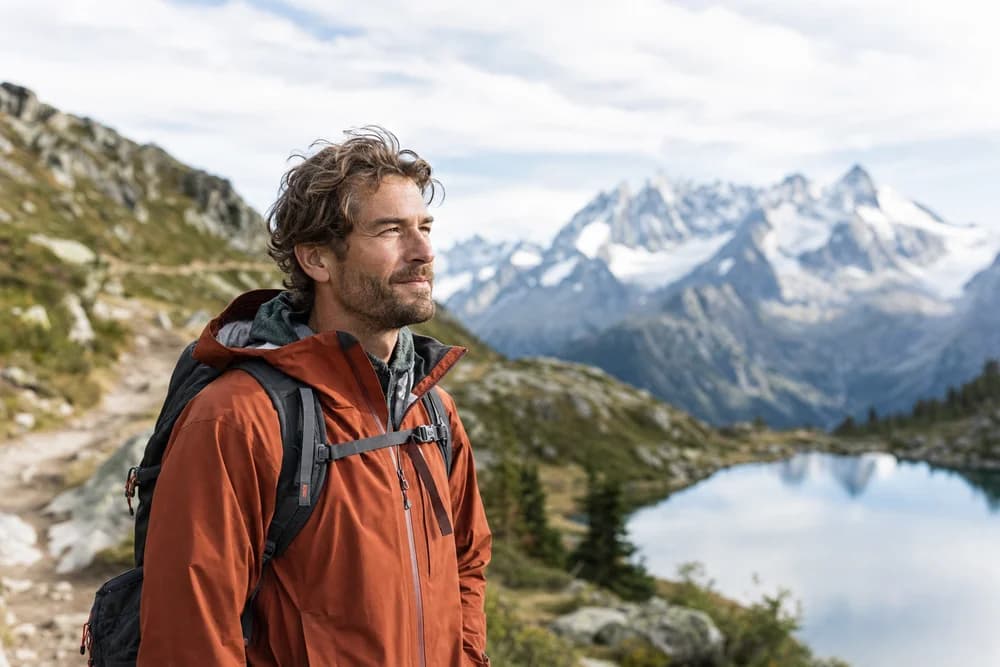 Original
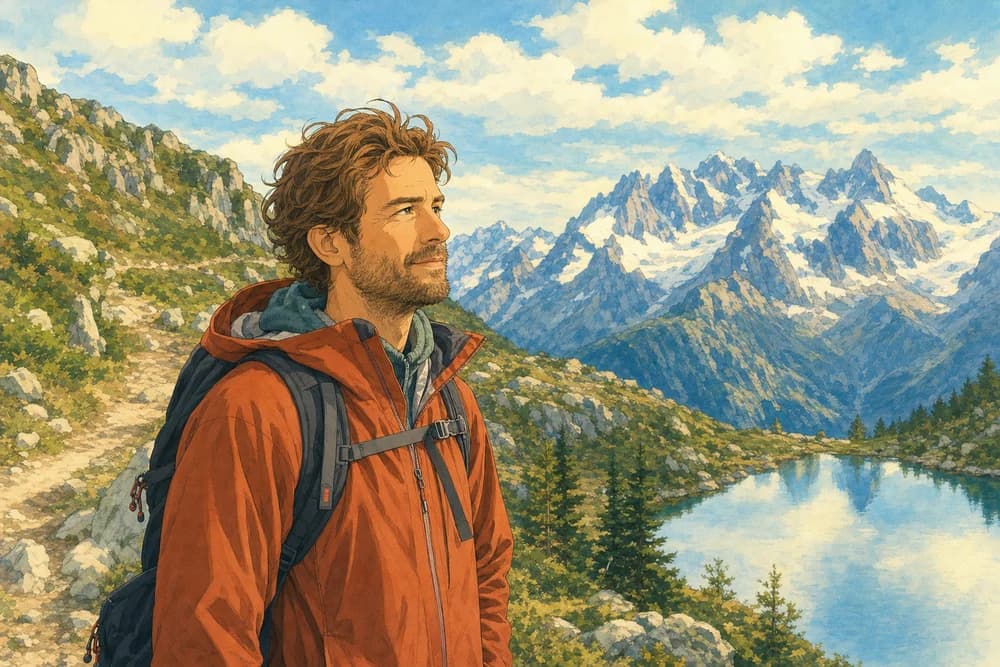 Ghibli-inspired
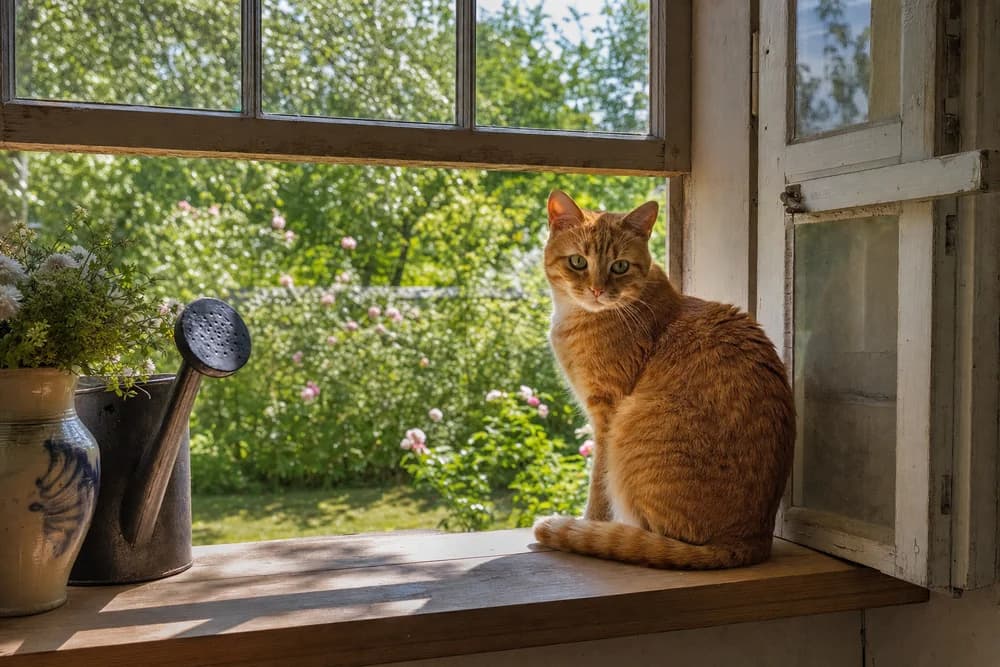 Original
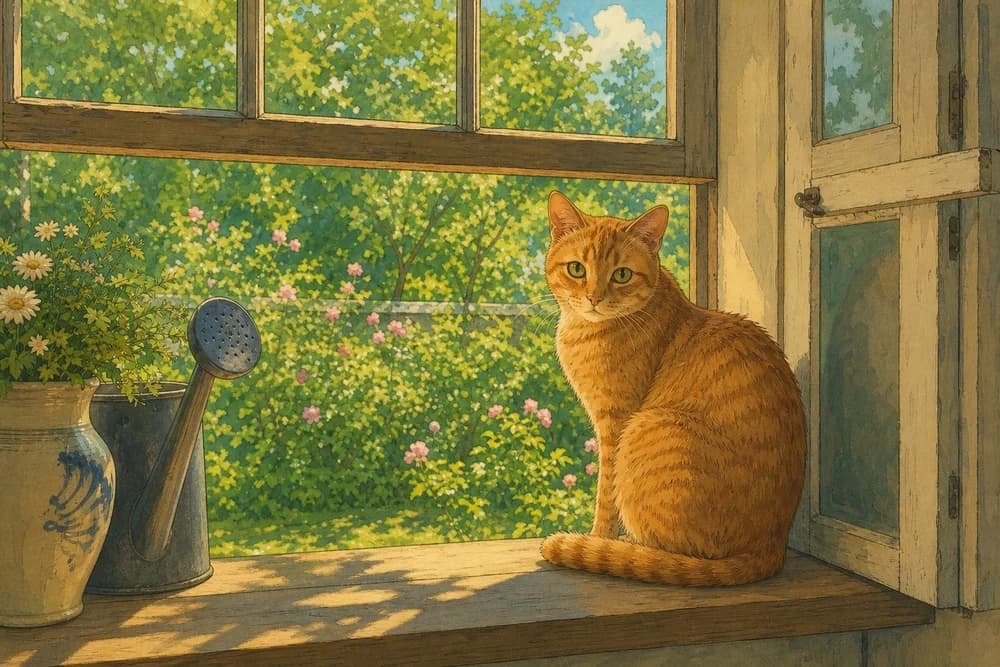 Ghibli-inspired
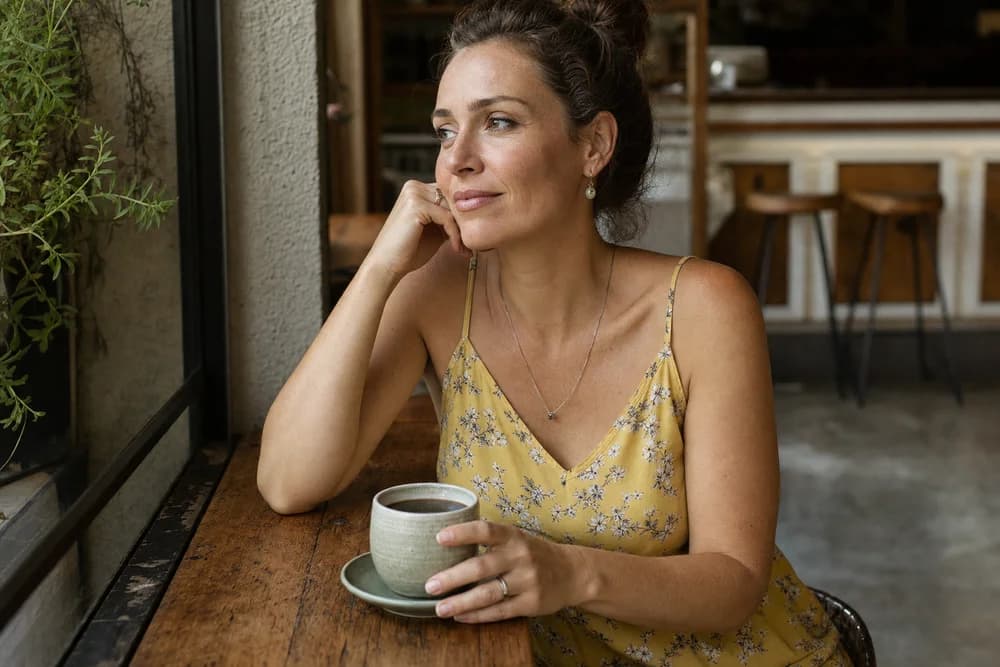 Original
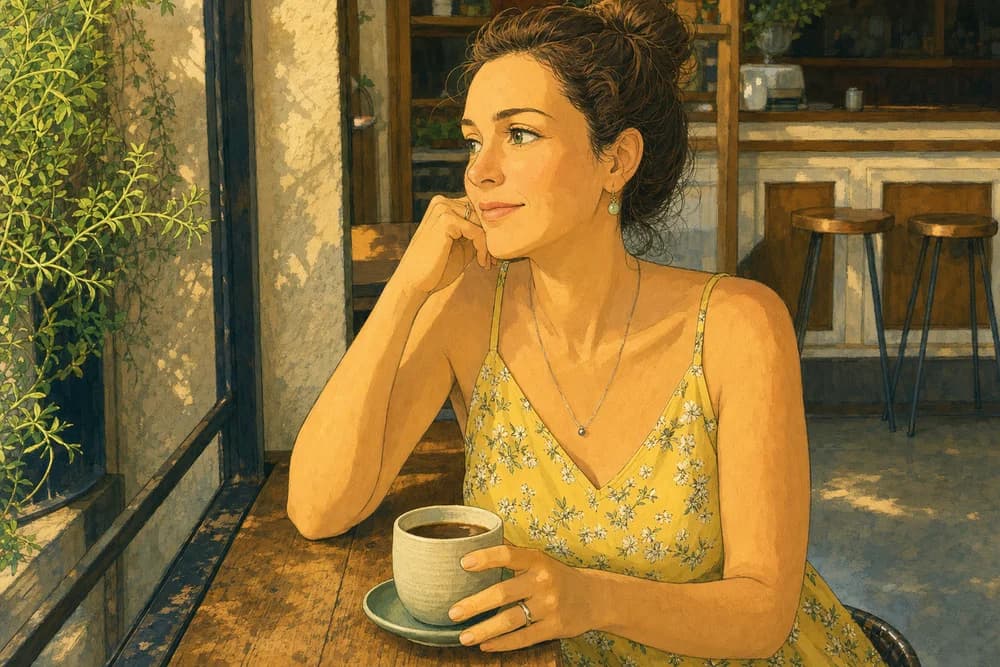 Ghibli-inspired
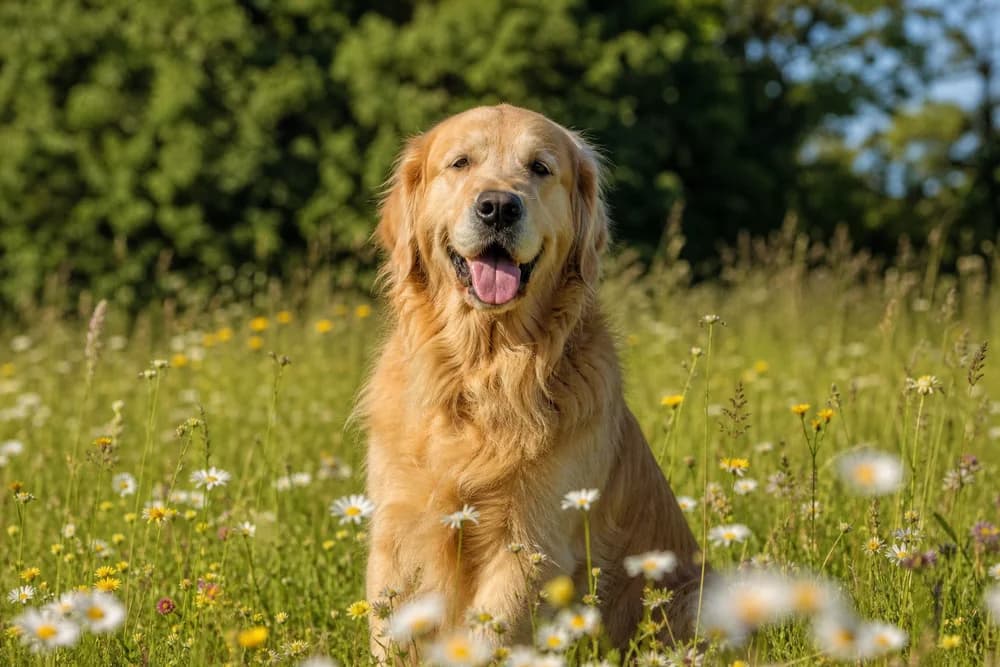 Original
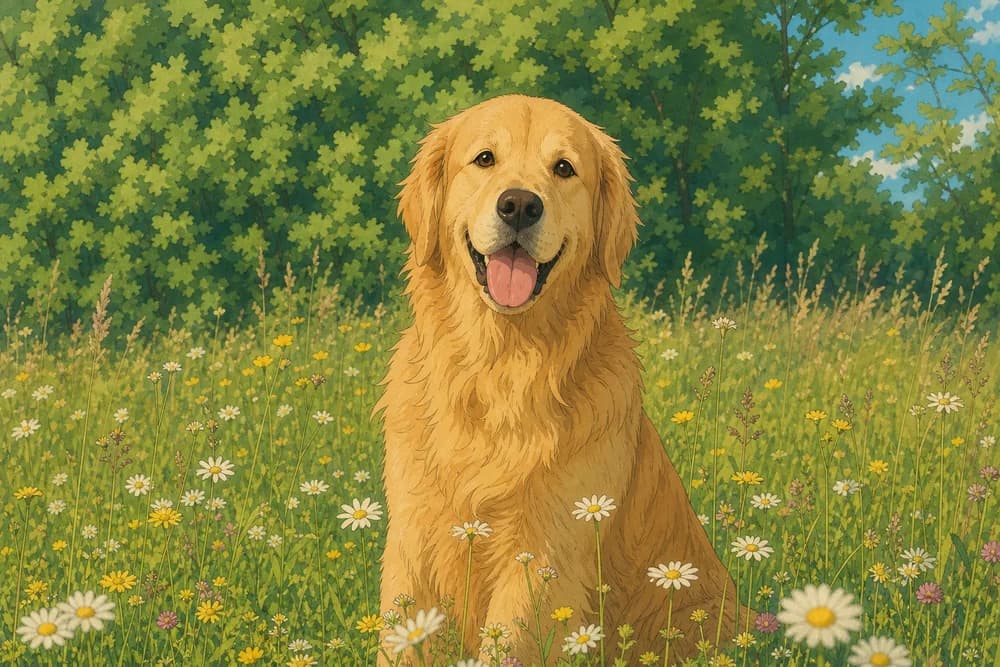 Ghibli-inspired
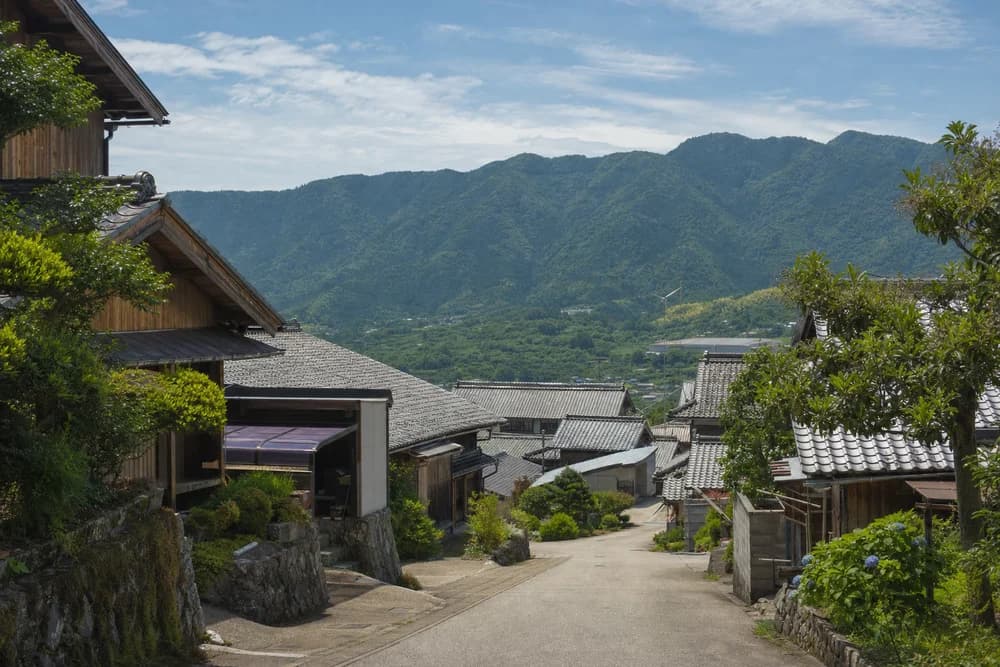 Original
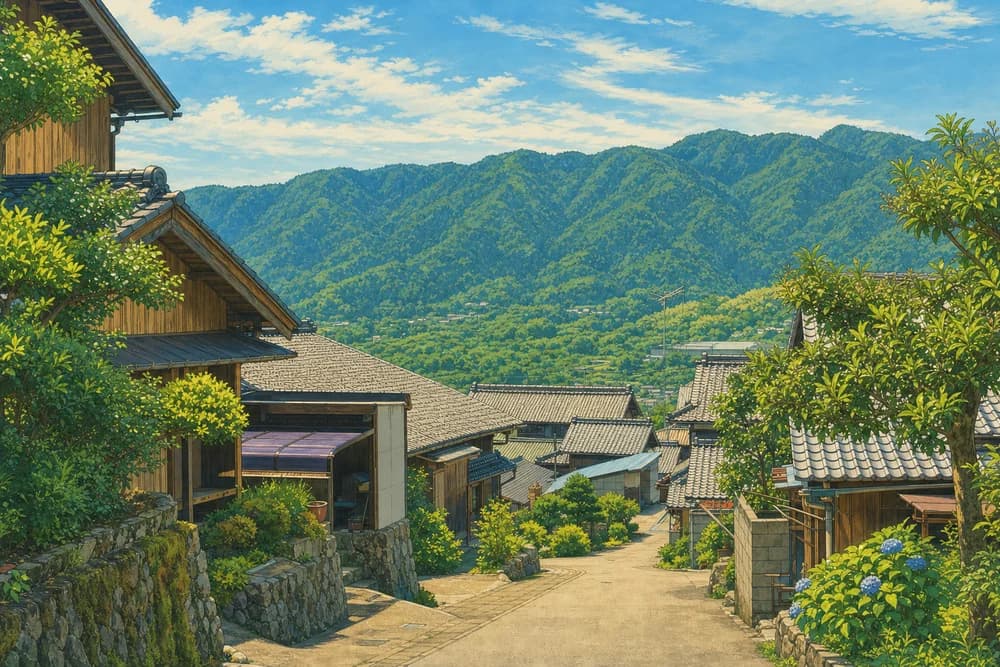 Ghibli-inspired
AI-generated source photos, transformed through our image API. Actual results vary by photo.
Turn shared moments into anime art.
Party photos to anime
Reimagine a birthday party, dinner with friends or reunion photo as a Ghibli-inspired illustration. Our AI image to image generator starts with your group photo, using the people, clothing and setting as a reference. Choose visible faces and review each person before sharing your illustrated party memory.
Salon event photos to anime
Turn a discussion salon, creative workshop or community gathering into anime artwork. A well-lit group portrait gives the photo-to-anime converter clearer detail than a distant crowd shot. Check speakers, attendees and seating in the result; name badges, slides and other small text may be reinterpreted.
Follow the photo-to-anime tutorial →How to turn a photo into anime
- 01
Upload a photo
Choose a clear, well-lit JPG, PNG or WebP image, up to 10 MB.
- 02
Create your illustration
Our AI transforms your photo into Ghibli-inspired artwork.
- 03
Download and share
Review your illustration, save it and share the moment.
A few
things to know.
One Ghibli-inspired visual direction.
Not affiliated with Studio Ghibli.
How do I turn a photo into anime?
Sign in, open the Photo to Anime editor and upload a JPG, PNG or WebP photo up to 10 MB. Generate in the fixed Ghibli-inspired style, compare the result with your original and download the illustration. Check the credit cost before generating.
What photos work best for Ghibli-inspired anime art?
Use a sharp, well-lit portrait, pet photo or landscape. For portraits and group photos, keep faces large and clearly visible. Small faces, text and hands can change during conversion, so review the result before sharing.
Do I need to choose a style?
No. Photo to Anime uses one fixed Ghibli-inspired style, with delicate outlines, warm light and painted backgrounds. Upload your photo and generate; there is no style selection.
Can I turn a family photo into Ghibli-inspired anime?
Yes. Upload a family portrait with clearly visible faces, then generate the fixed Ghibli-inspired style. Our six-person example shows an AI-created family photo and its real result. Check each family member’s face, apparent age, hands and position before downloading; exact likeness is not guaranteed.
Can I turn party photos into anime?
Yes. Birthday celebrations, dinner parties and reunions can become Ghibli-inspired group illustrations. Use a clear photo with visible faces, then review each person, hands, decorations and any cake lettering after generation. Small text and facial details may change.
Can I convert salon event photos into anime?
Yes. Photos from discussion salons, creative workshops and networking gatherings can be used as group references. Choose a well-lit photo where speakers and attendees are clearly visible. Check faces, seating and presentation text in the result; crowded or obscured people are harder to render consistently.
Can anime styling make people anonymous?
No. It can make a photo look less realistic, but it does not guarantee anonymity. Get permission from everyone shown before uploading or sharing a group photo.
Do I need an account to use this tool?
You can read this guide without an account. Sign in to open the editor. Check the current access requirements and credit cost before submitting a task.
Read our image privacy policy before uploading.