
Product Photo Studio

Create polished product photos with AI.

Turn a straightforward product photo into a considered presentation. Choose a photographic direction without building a new physical set.

Create product photo

JPG, PNG or WebP · Up to 10 MB

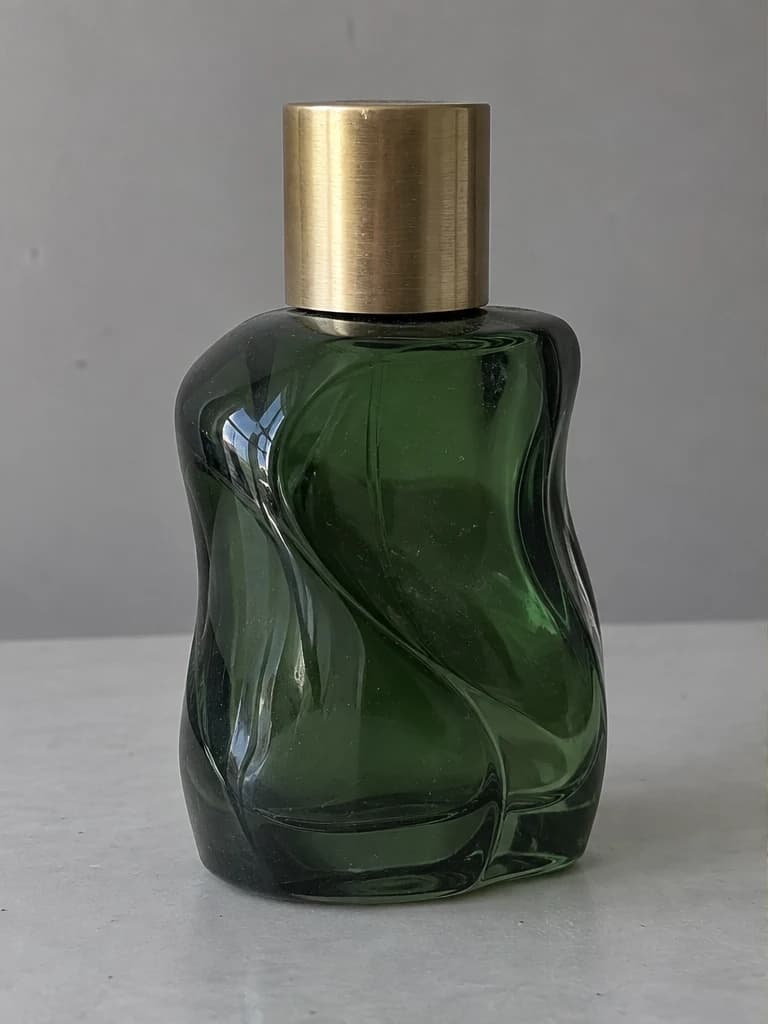
Product Photo Studio: source photo exampleBefore
Product Photo Studio: illustrative edited photoAfter · Illustration
Illustrative product styling. Check product details and labels in every generated image.
Product listing visualsPromotional imageryExploring a photography direction

What to expect

How this tool works in practice

Product styling is intended for creative presentation, not a guarantee of exact packaging, material or label reproduction. Verify product shape, color, logos and readable text before publishing or selling.

Explore a product photography direction

Start from an existing product photo to explore a catalog, editorial or studio-style presentation. This is useful for testing a visual direction before preparing promotional imagery. Use a source that clearly shows the product’s shape and material, with enough space around it for the intended composition.

Verify the product before publishing

Inspect packaging text, logos, color, proportions and included accessories. Generated styling can introduce details that were not present in the source. For a listing that must show the exact item, retain the original product photo as your reference and do not publish a result that misrepresents what the customer receives.

A simple workflow

How to use Product Photo Studio

  1. 01

    Upload a clear photo of the whole product.

  2. 02

    Choose an art direction and add any lighting or styling preferences.

  3. 03

    Inspect shape, colors and labels, then download your image.

Good to know

Which photo styles can I choose?

Clean catalog, sunlit stone, soft editorial and dark studio are available. Add a short description to guide the lighting or styling.

Will logos and packaging text be preserved?

The edit is instructed to preserve them, but exact reproduction is not guaranteed. Review labels, logos, proportions and materials carefully.

Do I need an account to use this tool?

You can browse this page without signing in. Access and credit requirements depend on the current tool settings. The editor will prompt you to sign in when required. Existing account holders can use the sign-in page; new accounts are currently available by invitation or administrator approval.