
Use your photo as a reference
A clear source image gives the editor useful information about the subject, framing, colors and lighting. Avoid heavily compressed images or photos where the main subject is hidden.
AI image-to-image tools
Start with a photo and create a new visual direction. Explore a different style, background, outfit or visual style while keeping the source image as your reference.
Try it freeJPG, PNG or WebP · Up to 10 MB
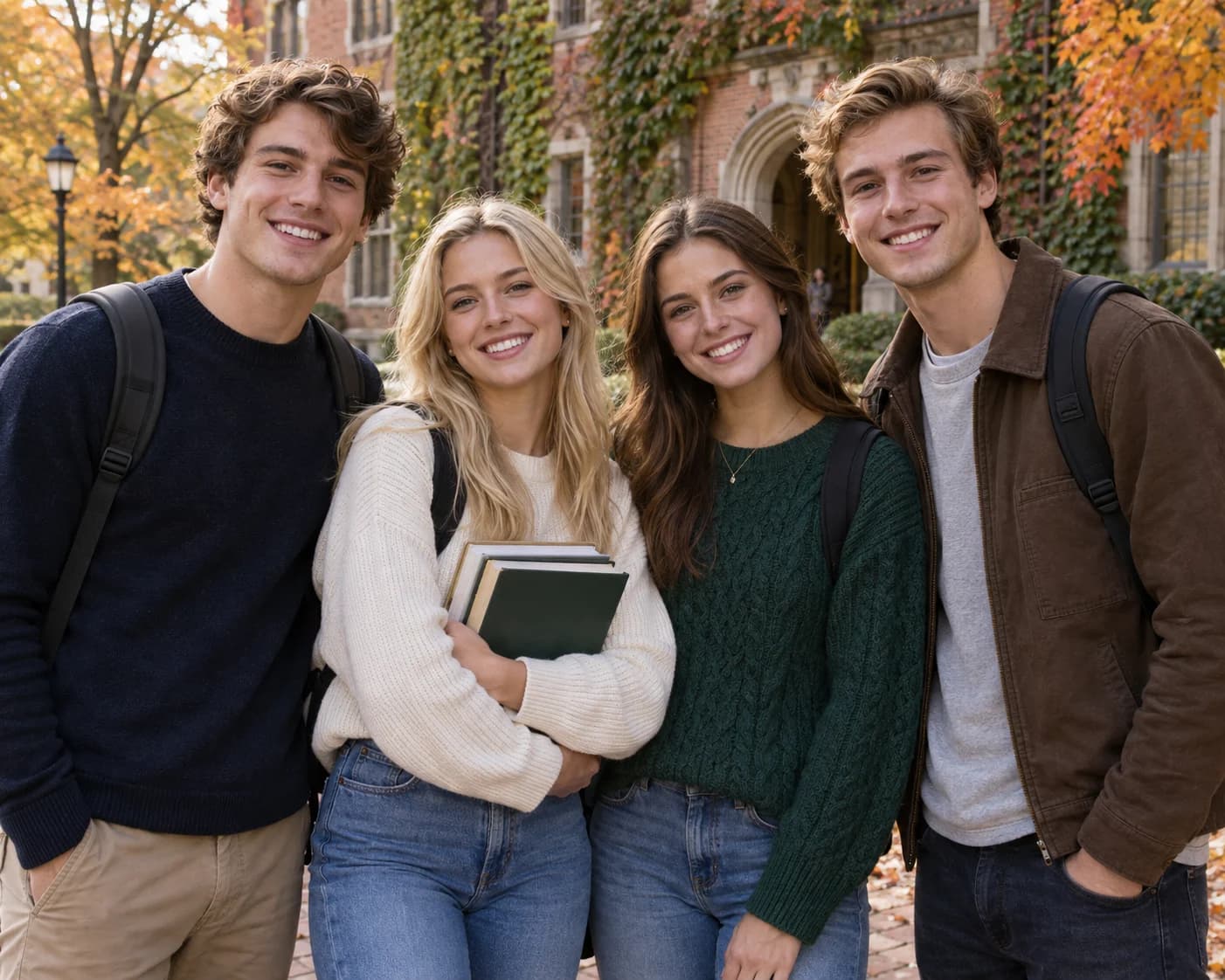 Source image
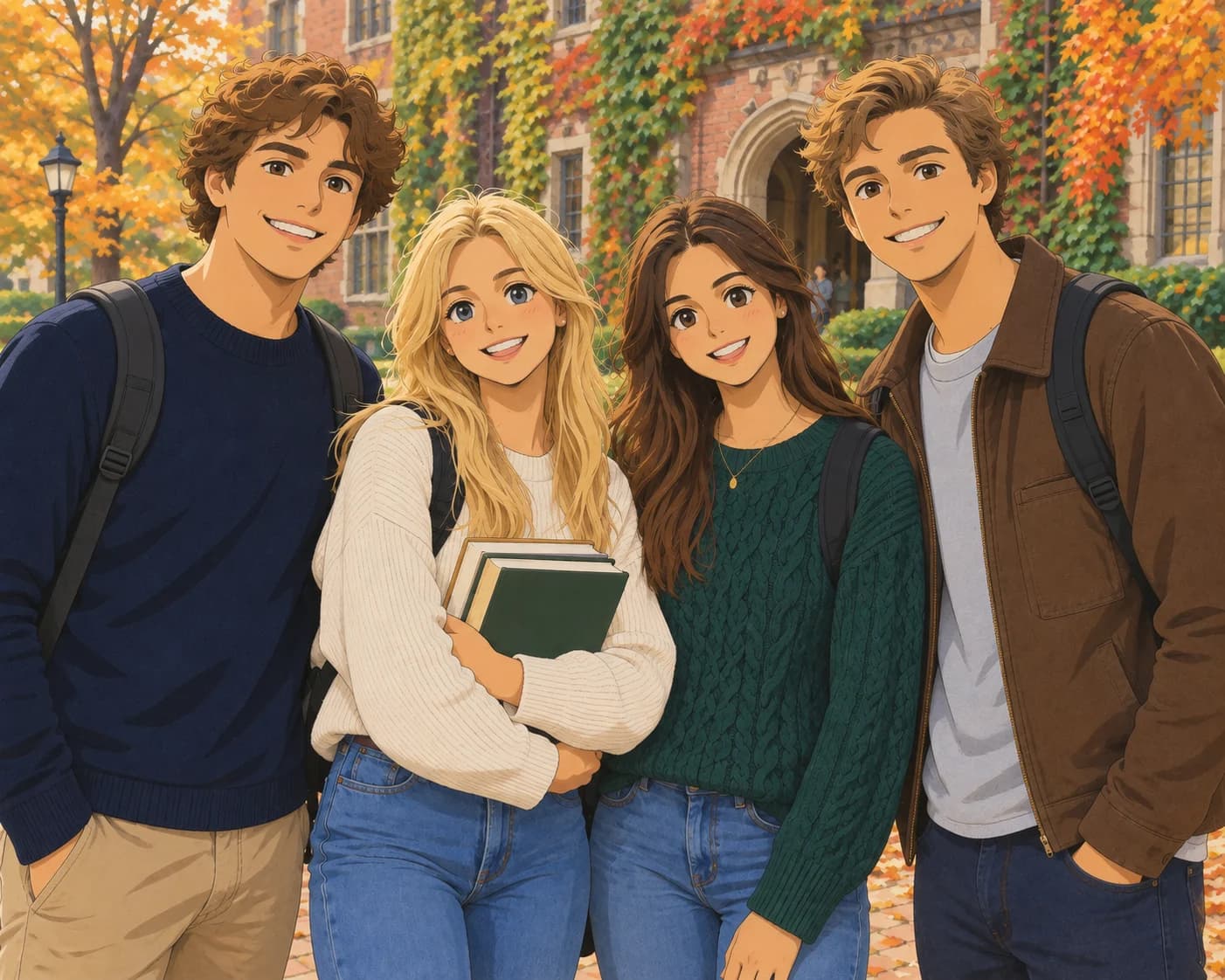 AI-generated result
This illustrative example shows the workflow. Generated results can reinterpret fine details, so review the output before publishing it.
What to expect
Image-to-image editing gives the model a visual starting point. That makes it useful when you want to preserve the general subject, composition or visual idea while exploring a new creative direction. It is still generative editing: identity, text, hands, materials and small details may change.
A clear source image gives the editor useful information about the subject, framing, colors and lighting. Avoid heavily compressed images or photos where the main subject is hidden.
AI-generated images are creative outputs, not exact reproductions. Check faces, clothing, edges, proportions and readable text before using a result commercially.
A simple workflow
Upload a clear source image.
Choose the editing direction that matches your goal.
Generate, compare the result with the source and download your favorite version.
An image-to-image generator uses an existing photo as a visual reference and creates a new version from it. You can use it to explore a different style, setting, outfit or image quality while starting from a photo you already have.
You can browse the guide and examples for free. Sign in to use the editor, then review the current credit cost before submitting an image edit.
Use a clear JPG, PNG or WebP image up to 10 MB. A well-lit subject with visible edges and enough space around it gives the model more useful visual context.
The source image guides the edit, but generated details can change. Check faces, hands, clothing, edges, proportions and text before sharing or publishing the result.
Before uploading, review our image privacy policy and current pricing and credits.